Dictionaries
Org-wide and project-specific spelling dictionaries and conflict resolution.
User goal
Allow brand terms and block unwanted words in spell checks.
- Tier
- All users
- Nav label
- Dictionary
- Route
- /projects/{project}/settings?tab=dictionary
- Gates
- —
Prerequisites
- Project or org settings access
QA focus
- Legacy dictionary route redirects
- Project overrides org
- Conflicts surfaced in UI
Overview
Dictionaries let you allow or block terms for spelling and content checks at the organization and project level so brand names and jargon stop creating false positives.
What you get
- An org dictionary that applies to all projects unless overridden
- A project Dictionary tab under Project Settings for project-specific allow/block lists
- Legacy dictionary URLs that redirect to the settings tab
- Suppressed issues when a term matches the dictionary
How it works
- Add org-wide terms under organization dictionary settings
- Override or extend them on the project Dictionary tab (project terms win on conflict)
- Re-run or review scans to confirm dictionary terms suppress the expected issues
Common issues & false alarms
- Conflicting org vs project terms need resolver UI
Interactive guide
Step of
What to do
Where to find it
Expected (pass)
Negative cases
Tips
Screenshot pending capture
All steps (reference)
-
Step 1. Org dictionary
Terms applied to all projects unless overridden.
What to do: settings.dictionary → add allowed term
Where: settings.dictionary
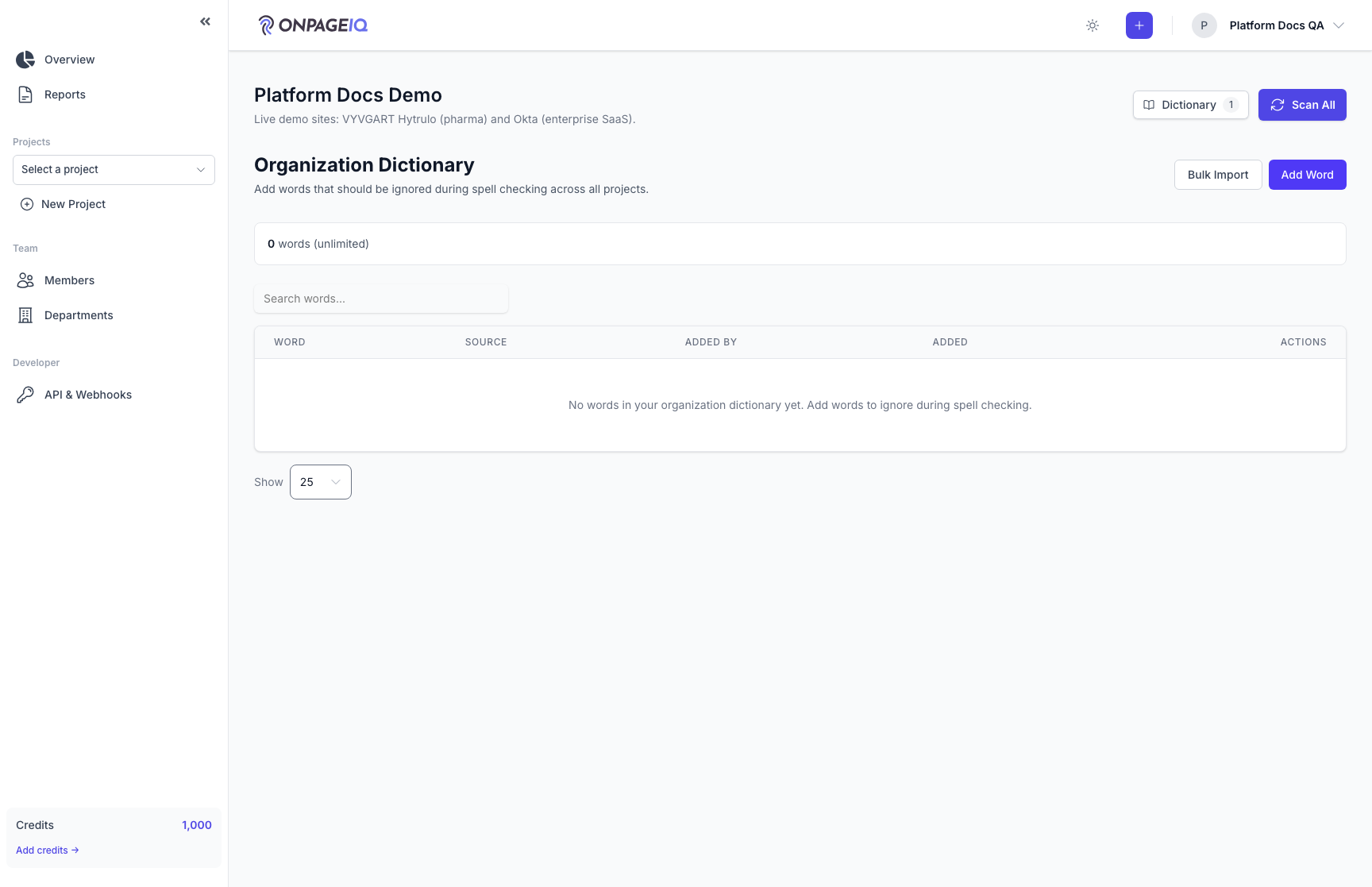
Expected (pass)
- Term saved org-wide
-
Step 2. Project dictionary tab
Project-specific allow/block lists.
What to do: projects.settings?tab=dictionary
Where: projects.settings
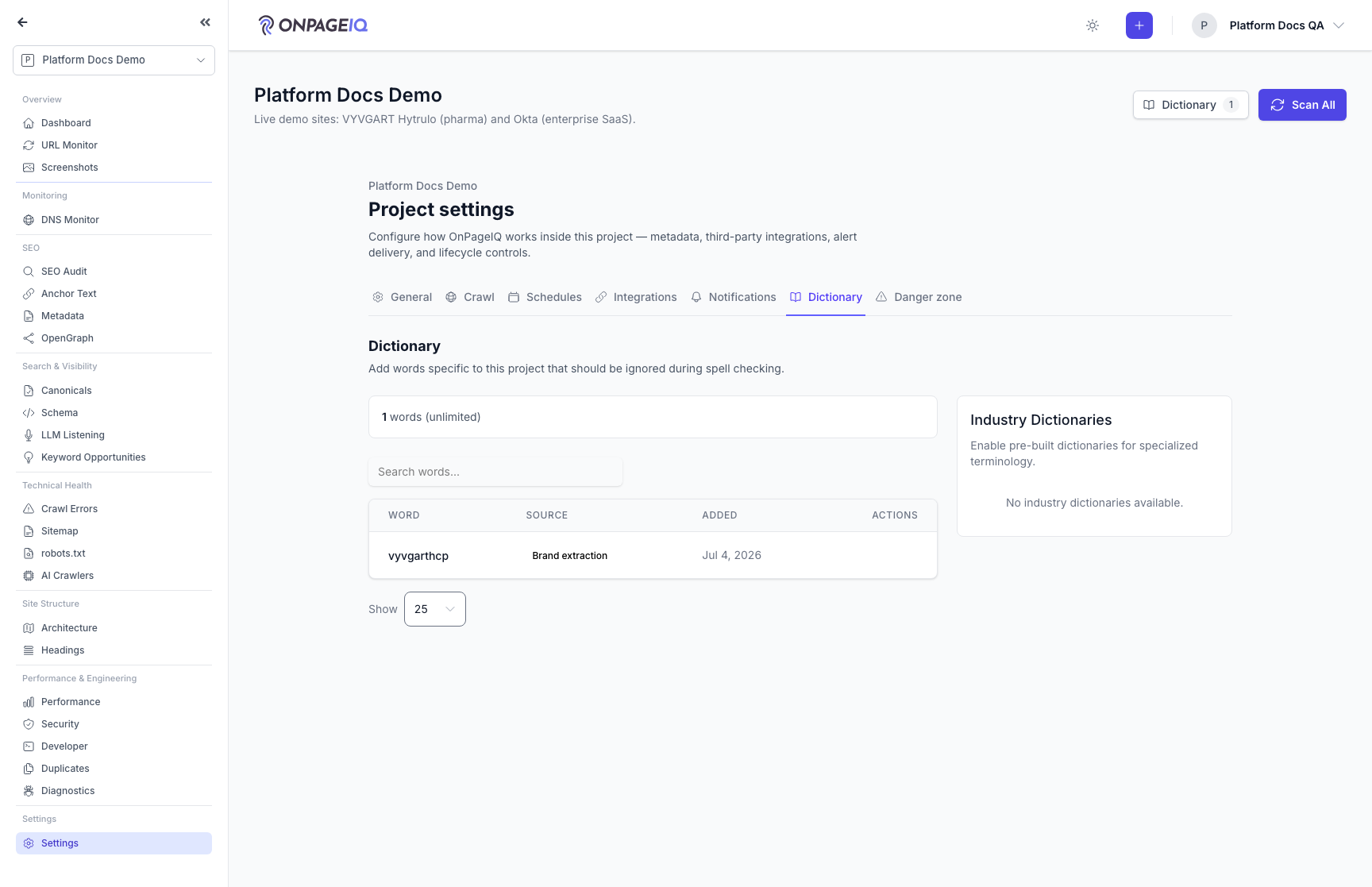
Expected (pass)
- Project terms override org on conflict
-
Step 3. Legacy route redirect
Old bookmarks to /dictionary still work with auth.
What to do: GET projects.dictionary → follow redirect
Where: projects.dictionary
Expected (pass)
- 302 to settings?tab=dictionary
- Cross-org probe → 403 before redirect
-
Step 4. Verify in scan
Allowed term no longer flagged as misspelling.
What to do: Add term → scan page containing term
Where: scans.create
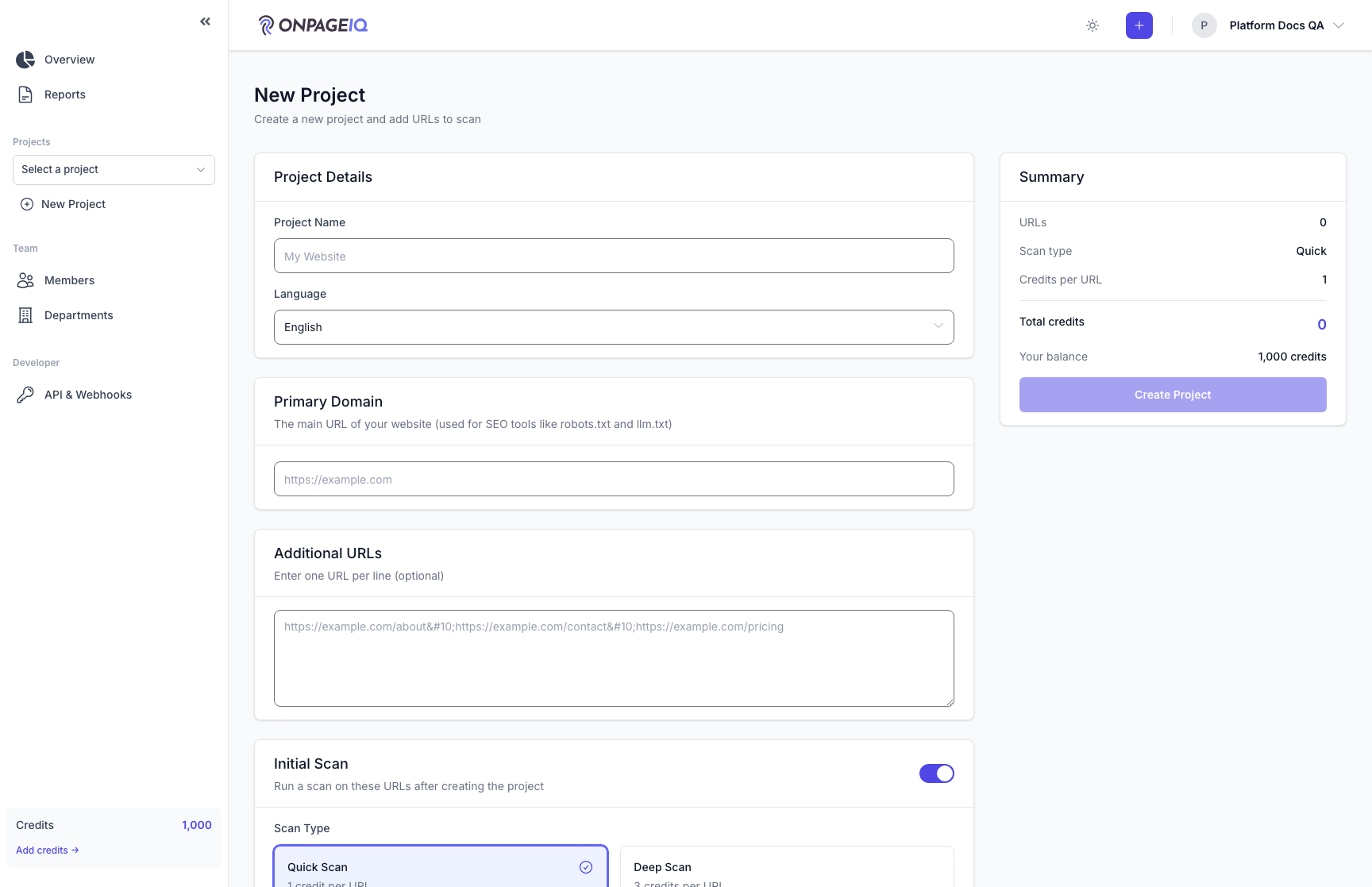
Expected (pass)
- Issue suppressed for dictionary term
Negative cases (must fail safely)
- Blocked term creates issue