SEO Page Surfaces
Metadata, OpenGraph, Schema, Sitemap, Canonicals, Anchor text, robots.txt, and AI crawlers (llm.txt).
User goal
Audit and fix on-page SEO signals across all specialized surfaces.
- Tier
- Pro+ for gated sub-routes
- Nav label
- SEO section
- Route
- /projects/{project}/metadata
- Gates
- seo-audit
Prerequisites
- Crawl/audit data populated
QA focus
- Each route loads correct Livewire page
- Data consistent across surfaces
- seo-audit middleware on gated routes
Overview
SEO Page Surfaces are the specialized on-page SEO views — metadata, social tags, structured data, canonicals, anchors, and technical files — so you can fix signals without hunting across unrelated dashboards.
What you get
- Metadata for title, description, and H1-related meta issues per URL
- Open Graph and Schema for social tags and JSON-LD validation
- Canonicals triage (dual-source, GSC, slide-over) — see the Canonicals guide
- Anchor text distribution plus robots.txt and llm.txt managers
- Sitemap coverage on Architecture (Sitemap view), not a separate SEO route
How it works
- Populate data with a crawl or audit first; empty tables usually mean the first audit has not finished
- Open each surface from the SEO section; gated Pro+ routes require SEO Audit entitlement
- Use Architecture for sitemap vs crawl coverage, and Canonicals for full canonical triage
Common issues & false alarms
- Empty tables before first audit completes
Interactive guide
Step of
What to do
Where to find it
Expected (pass)
Negative cases
Tips
Screenshot pending capture
All steps (reference)
-
Step 1. Metadata panel
Title, description, h1 meta issues per URL.
What to do: projects.metadata
Where: projects.metadata
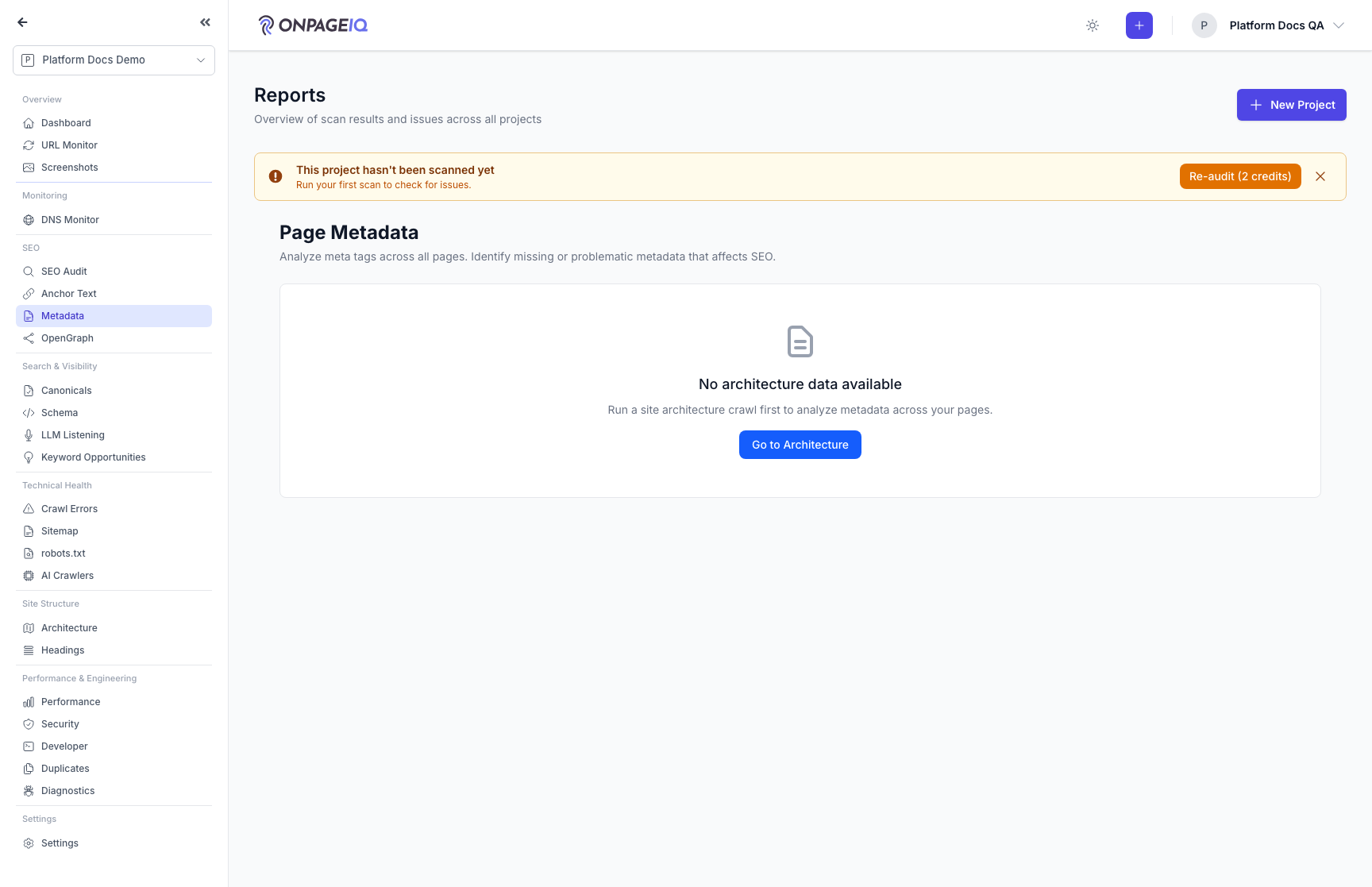
Expected (pass)
- Table of URLs with meta fields
-
Step 2. OpenGraph & Schema
Social tags and structured data validation.
What to do: Visit opengraph and schema pages
Where: projects.opengraph
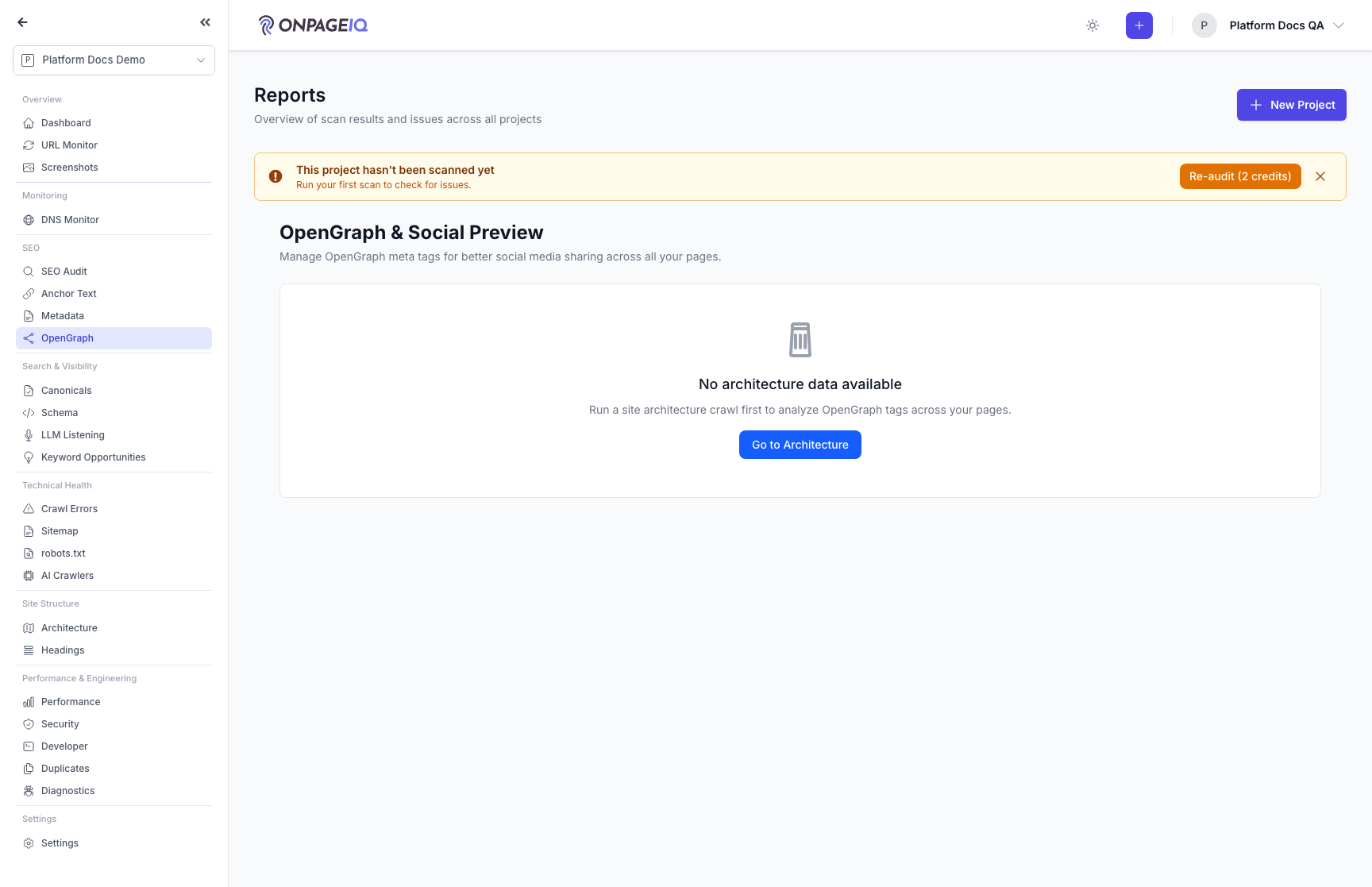
Expected (pass)
- OG tags listed
- JSON-LD errors flagged on schema page
-
Step 3. Sitemap & Canonicals
Sitemap coverage vs crawl on Architecture; full Canonicals triage (dual-source, GSC, slide-over) at projects.seo-audit.canonical — see the Canonicals guide.
What to do: projects.architecture (Sitemap view) and projects.seo-audit.canonical
Where: projects.architecture
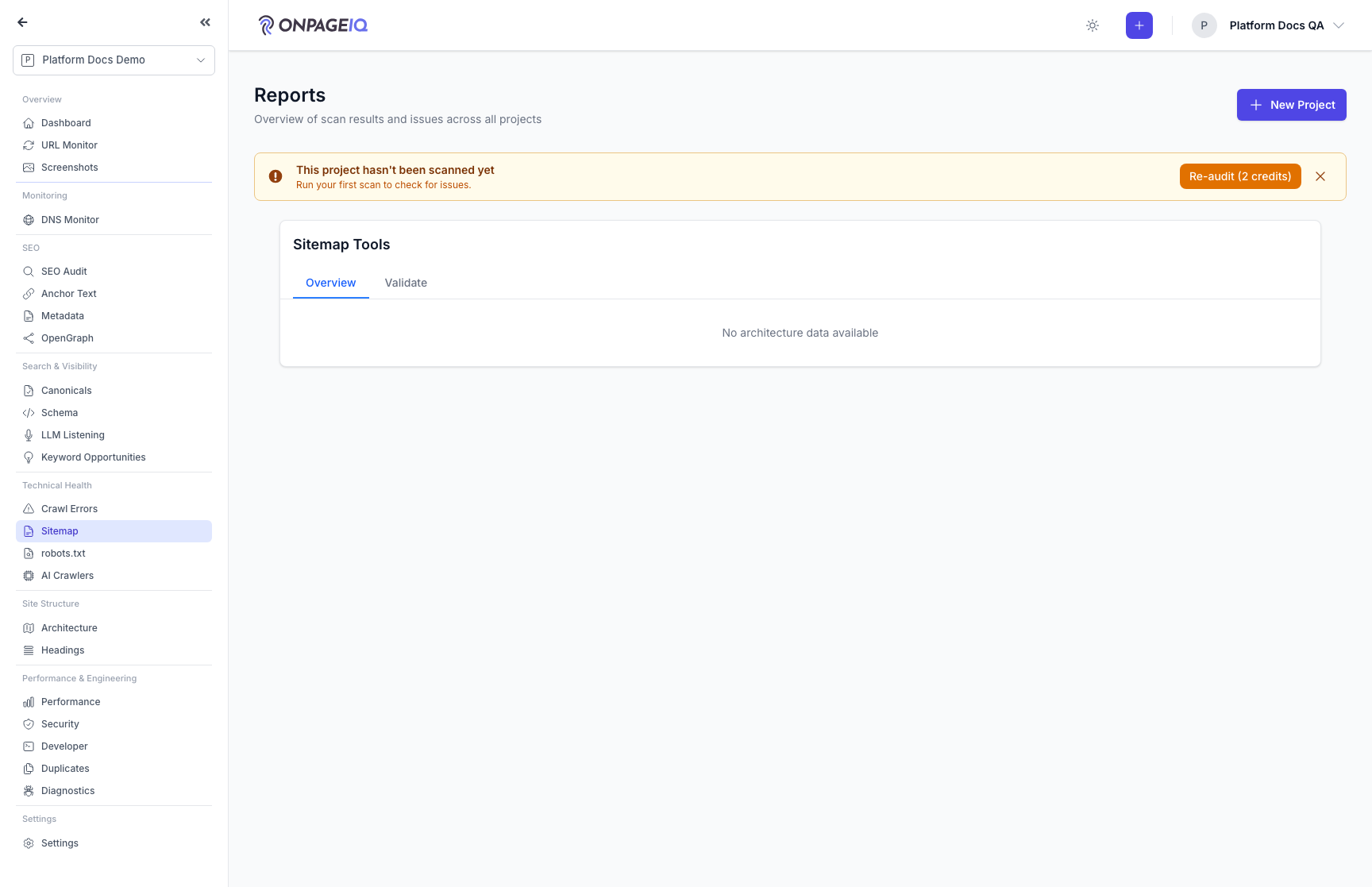
Expected (pass)
- Sitemap URLs ⊆ crawl set
- Canonicals deep-link opens slide-over triage
Negative cases (must fail safely)
- canonical route 403 without seo-audit
-
Step 4. Anchor text & technical files
Anchor distribution; robots.txt and llm.txt managers.
What to do: anchor-text, robots-txt, llm-txt routes
Where: projects.seo-audit.anchor-text
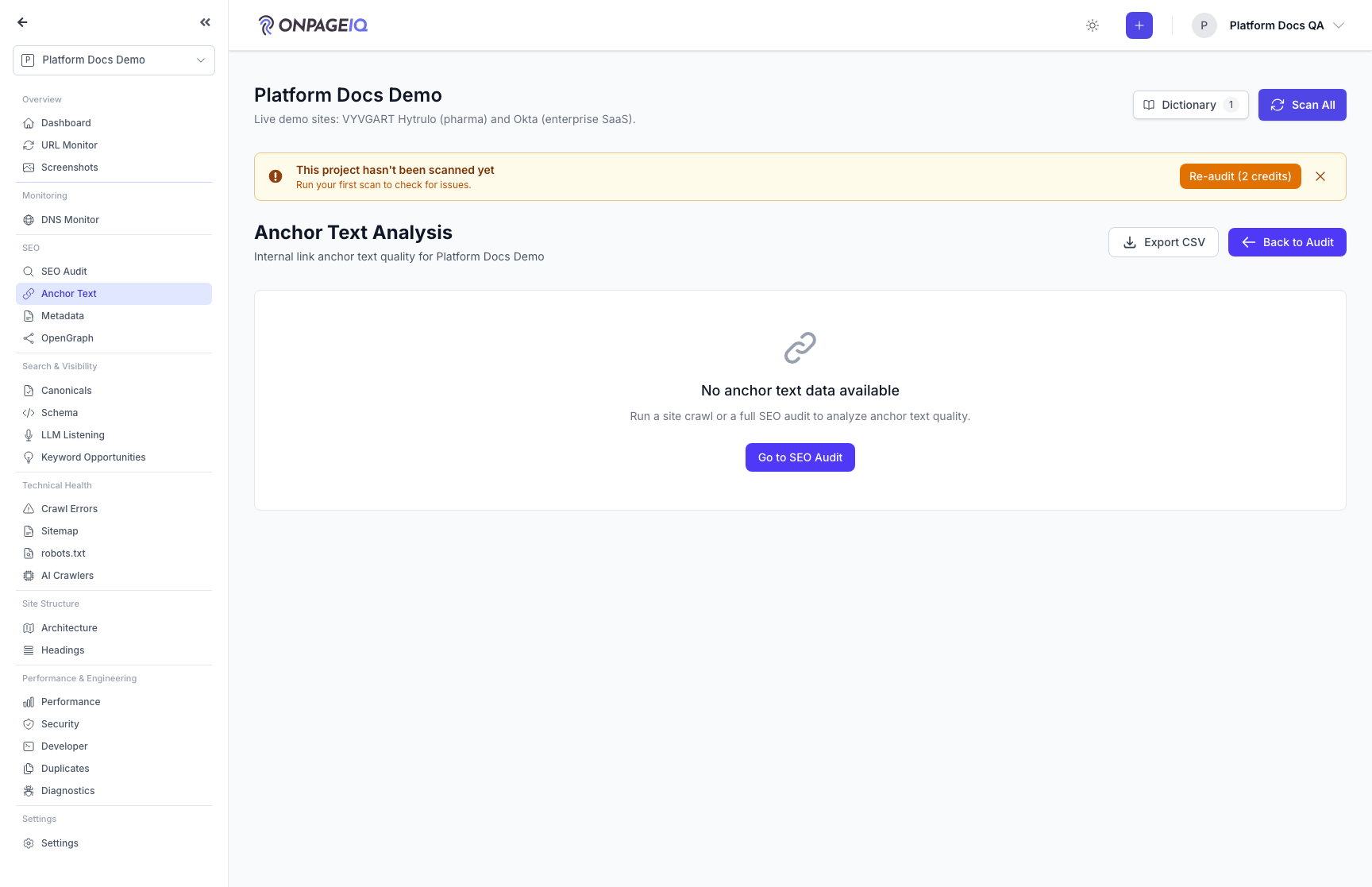
Expected (pass)
- All three seo-audit gated routes 200 when entitled
Related guides
SEO Audit
Site-wide SEO audit dashboard with crawl status, scores, and deep-dive sub-routes.
H1 Above the Fold
Check whether each page’s primary H1 is visible without scrolling — with annotated desktop/mobile screenshots you can trust-but-verify in SEO Audit.
Headings Outliner Add-on
H1–H6 outline per URL with hierarchy issues and CSV/JSON/Markdown export.
Duplicate Content
Find pages that say the same thing, see exactly what overlaps, and record how you fixed it.