Issues Workflow
Triage, assign, and resolve spelling/SEO/security issues via kanban and filters.
User goal
Move issues from open → in progress → resolved with audit trail.
- Tier
- All users (assignments Team+)
- Nav label
- Issues
- Route
- /projects/{project}/issues
- Gates
- —
Prerequisites
- Project with issues from scans or audits
QA focus
- Status transitions persist
- Assignment respects team tier
- Filters do not leak other projects
Overview
The issues workflow turns scan and audit findings into a triage board you can filter, resolve, and (on plans with assignments) hand off to teammates.
What you get
- Kanban or list views of open issues by severity and category
- Filters for category, severity, URL, and assignee
- Status updates that hide resolved items from the open filter
- Team assignments when your plan includes the assignments feature
How it works
- Open Issues from the project dashboard
- Filter or search, then update status as you work items
- Assign issues when entitled; assignees can be notified when notifications are enabled
Common issues & false alarms
- Large issue sets need pagination
Interactive guide
Step of
What to do
Where to find it
Expected (pass)
Negative cases
Tips
Screenshot pending capture
All steps (reference)
-
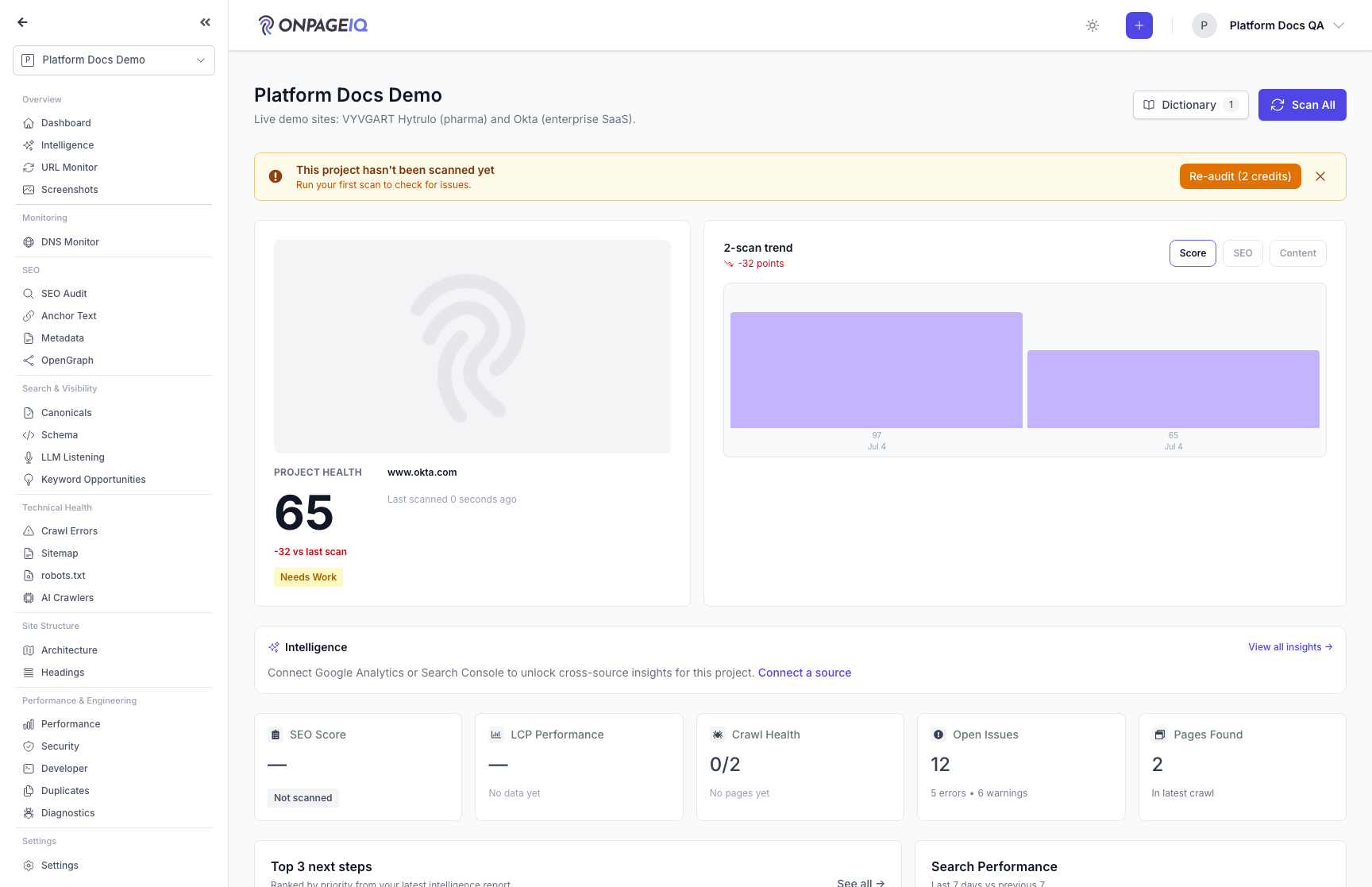
Step 1. Open issues board
Kanban or list view of open issues by severity/category.
What to do: projects.issues or Issues tab on dashboard
Where: projects.issues
Expected (pass)
- Columns/list render
- Counts match database
Negative cases (must fail safely)
- Empty state when no issues
-
Step 2. Filter and search
Filter by category, severity, URL, assignee.
What to do: Apply filters; search excerpt text
Where: projects.issues
Expected (pass)
- Results update live
- Search is org-scoped
Negative cases (must fail safely)
- SQL injection in search → safe binding
-
Step 3. Change issue status
Drag card or use status action to resolve/dismiss.
What to do: Move issue to Resolved
Where: projects.issues
Expected (pass)
- Status saved
- Resolved issues hidden from open filter
Negative cases (must fail safely)
- Concurrent update → last write wins or conflict UX
-
Step 4. Assign to teammate
Team tier: assign issue to org member.
What to do: Assign issue on Team org
Where: projects.issues
Expected (pass)
- Assignee receives notification (if enabled)
- Pro org → assignment blocked
Negative cases (must fail safely)
- Assign to user outside org → validation error