Scheduled Scans
Recurring scan schedules with credit reservation and refund on skip.
User goal
Automate periodic content QA without manual scan creation.
- Tier
- Pro+ (scheduled_scans)
- Nav label
- Schedules
- Route
- /projects/{project}/schedules
- Gates
- —
Prerequisites
- scheduled_scans tier feature
- ProcessScheduledScansJob scheduled every minute
QA focus
- Credit reserve/refund idempotency
- Due schedules picked up
- UI shows next run time
Overview
Scheduled Scans automate recurring content QA so you do not have to create each scan by hand — with credit reservation and refund when a due run is skipped.
What you get
- A Schedules tab listing cadence and next run time
- Create/edit flows for frequency, URLs, and check types
- Pause or delete without losing past scan history
- Automatic credit handling when a due schedule cannot run
How it works
- Requires the scheduled scans plan feature and a running app scheduler
- Create a schedule on the project; due work is picked up by the background processor
- Pause to stop future runs; Free tiers see an upgrade message instead of full scheduling
Common issues & false alarms
- Scheduler not running locally → schedules never fire
Interactive guide
Step of
What to do
Where to find it
Expected (pass)
Negative cases
Tips
Screenshot pending capture
All steps (reference)
-
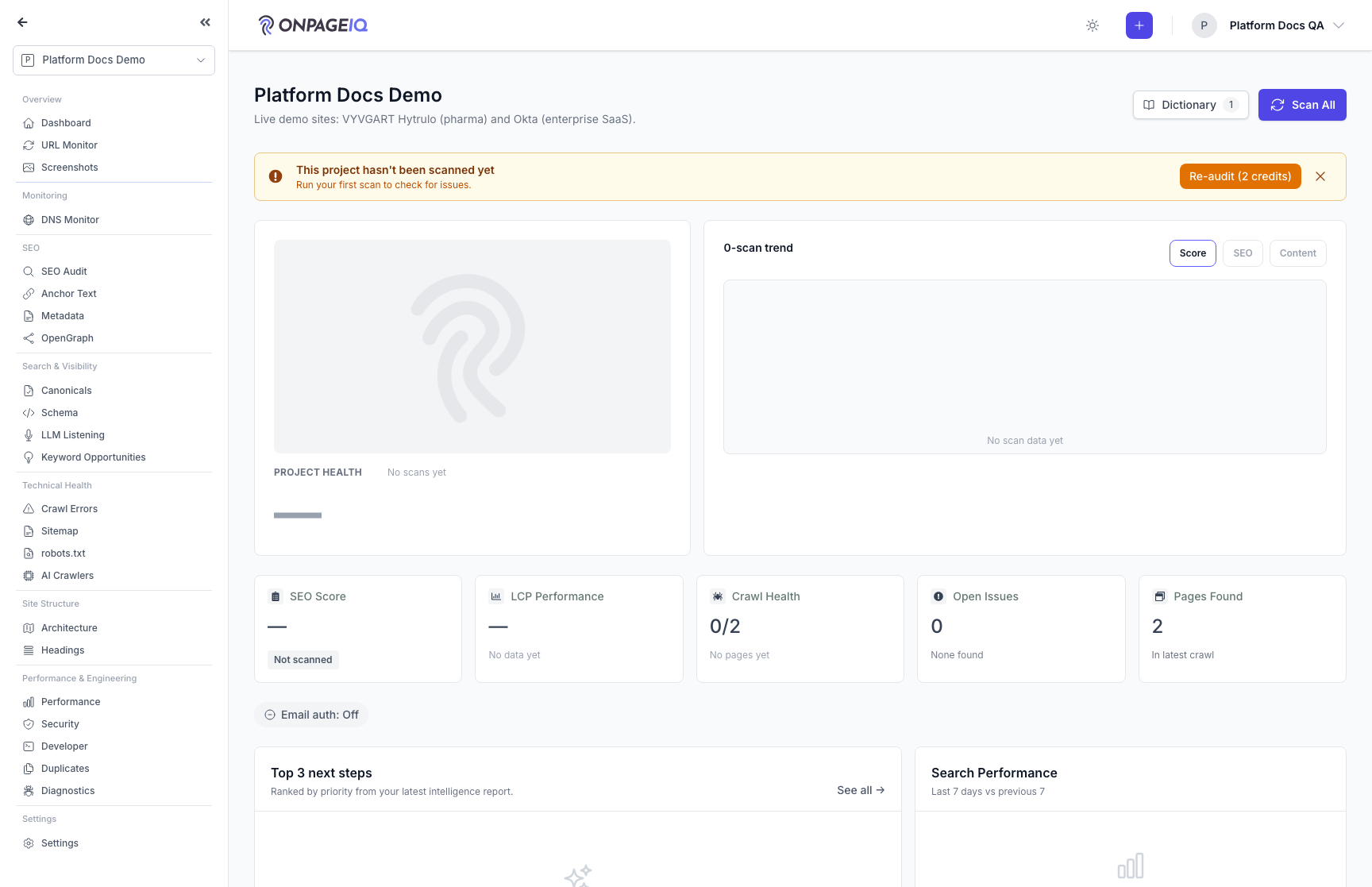
Step 1. Open schedules tab
List existing scan schedules for project.
What to do: projects.schedules
Where: projects.schedules
Expected (pass)
- Schedules listed with cadence
- Free tier → upgrade message
-
Step 2. Create schedule
Set frequency, URLs, and check types.
What to do: Create weekly schedule for URL subset
Where: projects.schedules
Expected (pass)
- Schedule saved
- Next run at computed correctly
Negative cases (must fail safely)
- Invalid cron → validation error
-
Step 3. Verify scheduled execution
Wait for or manually run ProcessScheduledScansJob.
What to do: php artisan schedule:run or wait for cron
Where: Horizon / logs
Expected (pass)
- New scan created when due
- Credits reserved per idempotency key
Negative cases (must fail safely)
- Insufficient credits → skip with refund log
-
Step 4. Pause or delete schedule
Stop future runs without deleting history.
What to do: Pause/disable schedule from UI
Where: projects.schedules
Expected (pass)
- No new scans after pause
- Past scans remain
Related guides
Content Scans
Run spelling, grammar, SEO, and readability checks against project URLs.
Project Settings
Every per-project configuration surface in one tabbed page — crawl behaviour, schedules, integrations, environments, notifications, dictionary, writing style, local SEO, and deletion.
Billing & Subscriptions
Manage subscription tier, purchase credits, add-ons, and view billing history.
Notifications
In-app notification inbox for scans, assignments, billing, and monitor alerts.