Runtime Diagnostics
Browser console errors, network failures, and CSP violations from audited pages.
User goal
Catch client-side JS errors and network issues affecting UX.
- Tier
- Pro+ with runtime-diagnostics flag
- Nav label
- Diagnostics
- Route
- /projects/{project}/diagnostics
- Gates
- runtime-diagnostics
Prerequisites
- RuntimeDiagnosticsFeature active for org
- SEO audit with diagnostics capture
QA focus
- Mount check org-scoped
- Ignore rules manager
- Export download path hardened
Overview
Runtime Diagnostics surfaces console, network, and CSP issues captured during SEO audits so engineers can suppress noise and tune what the next audit records.
What you get
- A diagnostics dashboard grouped by issue type per audit
- Project ignore rules for known benign errors
- Project capture toggles and sensitivity settings
- Org-level diagnostic patterns under organization settings
How it works
- Requires the Runtime Diagnostics feature for the org; otherwise the nav is hidden and the page refuses access
- Open Diagnostics, add ignore rules, and adjust settings so the next audit respects your config
- Artifact downloads are throttled and path-traversal safe
Common issues & false alarms
- Flag off → nav hidden and mount 403
Interactive guide
Step of
What to do
Where to find it
Expected (pass)
Negative cases
Tips
Screenshot pending capture
All steps (reference)
-
Step 1. Diagnostics dashboard
Aggregated console/network/CSP issues per audit.
What to do: projects.diagnostics
Where: projects.diagnostics
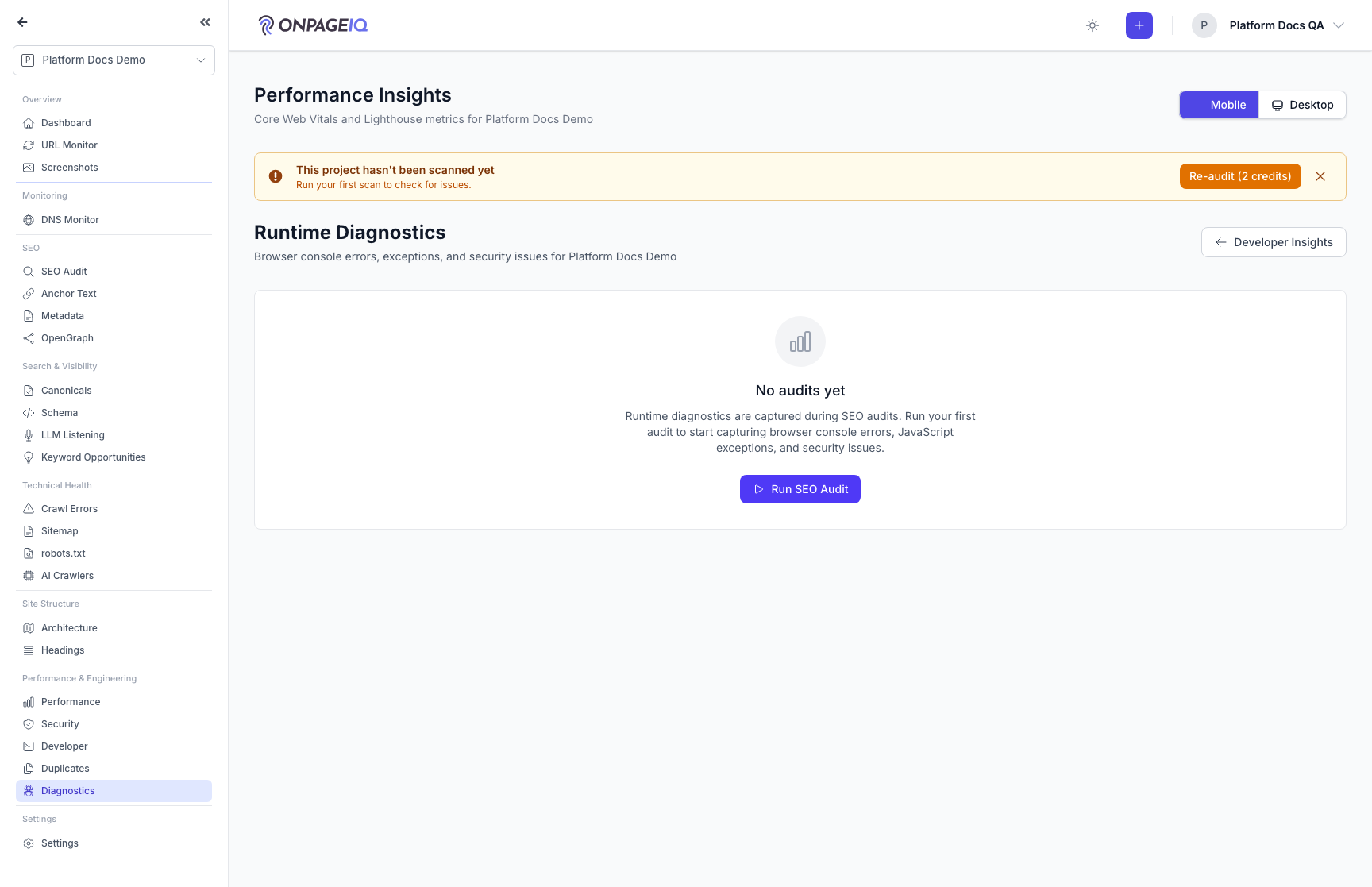
Expected (pass)
- 403 when flag inactive
- Issues grouped by type
Negative cases (must fail safely)
- Cross-org → 403
-
Step 2. Ignore rules
Suppress known benign errors.
What to do: projects.diagnostics.ignore-rules → add rule
Where: projects.diagnostics.ignore-rules
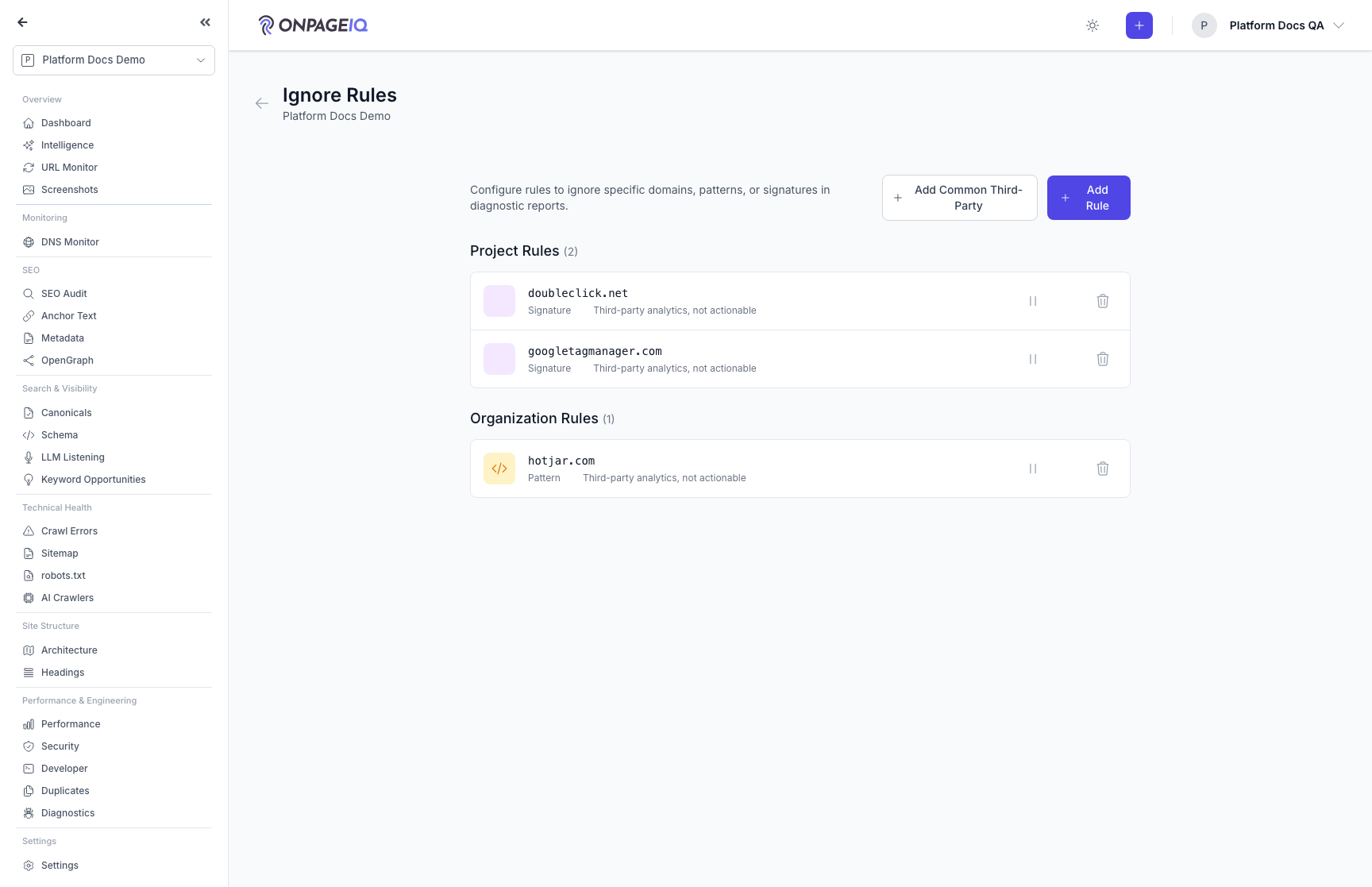
Expected (pass)
- Ignored issues hidden from default view
-
Step 3. Diagnostics settings
Capture toggles and sensitivity per project.
What to do: projects.diagnostics.settings
Where: projects.diagnostics.settings
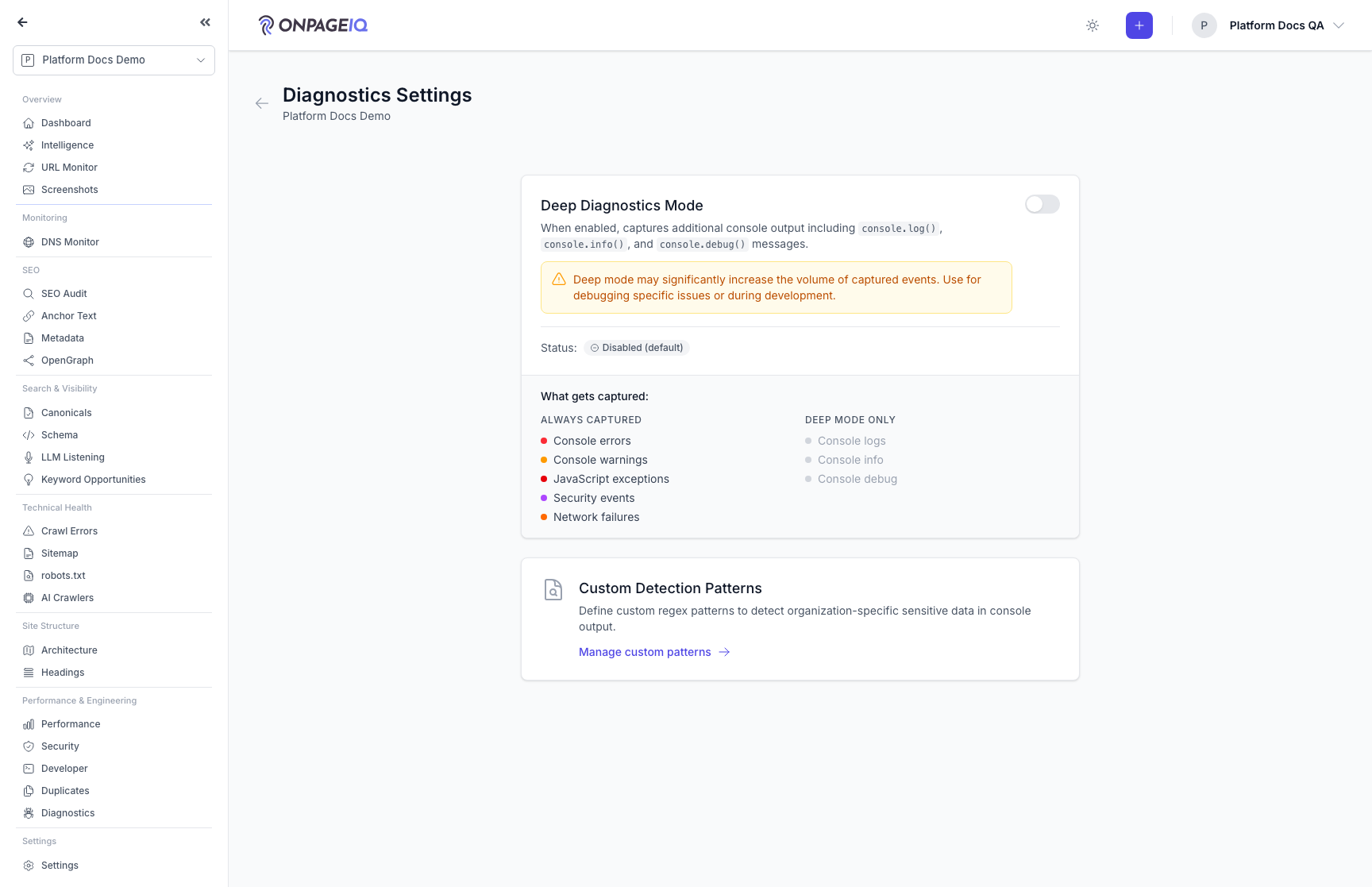
Expected (pass)
- Settings persist
- Next audit respects config
-
Step 4. Export diagnostics
Download export bundle via signed URL.
What to do: projects.diagnostics.export.download
Where: projects.diagnostics.export.download
Expected (pass)
- Path traversal blocked
- Throttle 10/min
Negative cases (must fail safely)
- Wrong audit id → 404
Related guides
Performance Insights
Core Web Vitals and performance metrics from crawled pages.
Developer Insights
The engineering read on an audit: Core Web Vitals, JavaScript and third-party scripts, caching and compression, API health, and security-header coverage.
Security Dashboard
One page for the security of a site: a graded score, a prioritised "what to fix" list, and continuous Google Safe Browsing monitoring.