Organization Settings
Org profile, org-wide dictionary, diagnostics patterns, and defaults.
User goal
Configure org-level preferences that apply across all projects.
- Tier
- All users
- Nav label
- Settings
- Route
- /settings
- Gates
- —
Prerequisites
- Org admin or settings permission
QA focus
- Org dictionary terms apply to new scans
- Settings changes do not leak to other orgs
- Diagnostics patterns gated by runtime-diagnostics flag
Overview
Organization settings configure preferences that apply across every project in your org.
What you get
- Org profile and defaults at Settings
- Organization dictionary (allowed/blocked terms inherited by projects unless overridden)
- Diagnostics custom patterns when runtime diagnostics is available (Pro+ with flag)
How it works
- Open Settings from the user menu or
/settingsfor org-wide sections - Project-specific settings (integrations, project dictionary) live under the project’s Settings tabs — not here
- Changes stay within your org and do not affect other organizations
Common issues & false alarms
- Confusing overlap between settings.dictionary (org) and project dictionary tab
Interactive guide
Step of
What to do
Where to find it
Expected (pass)
Negative cases
Tips
Screenshot pending capture
All steps (reference)
-
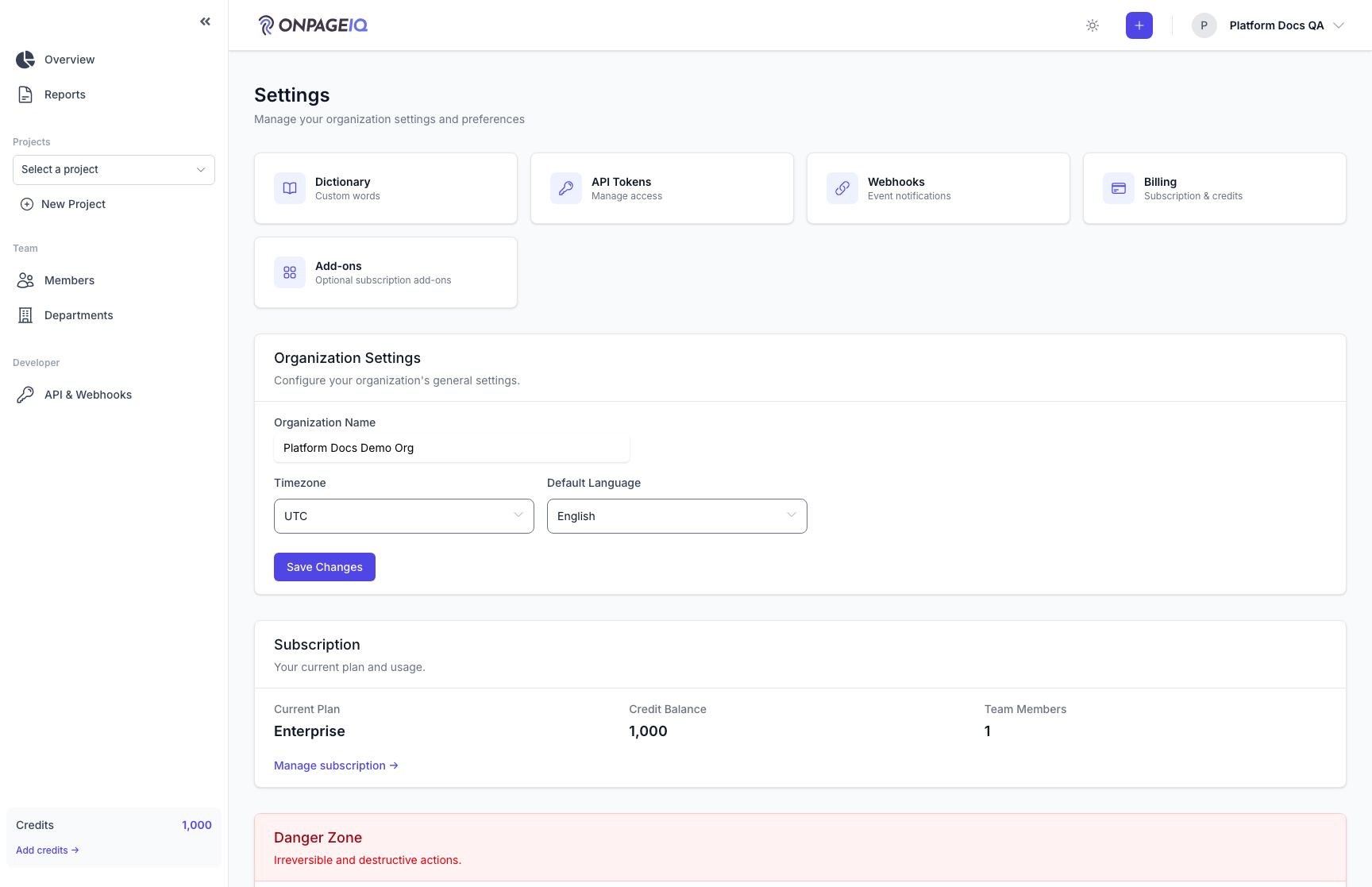
Step 1. Settings index
Landing page for org configuration sections.
What to do: Open /settings from user menu or direct URL
Where: settings.index
Expected (pass)
- Org name and slug visible
- Links to sub-sections resolve
Negative cases (must fail safely)
- Guest → redirect login
-
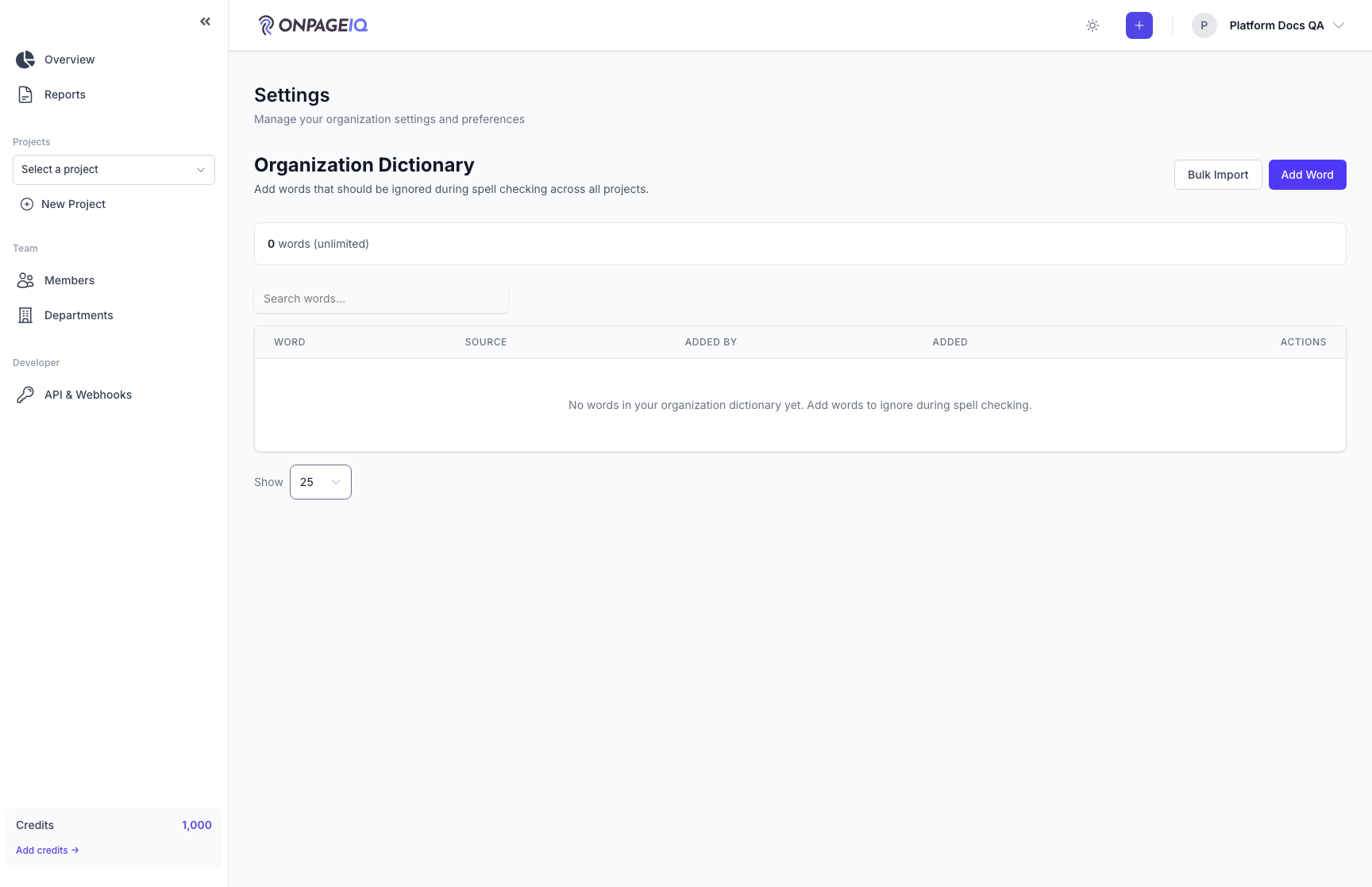
Step 2. Organization dictionary
Org-wide allowed/blocked terms inherited by projects unless overridden.
What to do: Open /settings/dictionary → add term → save
Where: settings.dictionary
Expected (pass)
- Term persists after refresh
- New scan respects dictionary on matching text
Negative cases (must fail safely)
- Empty term rejected
-
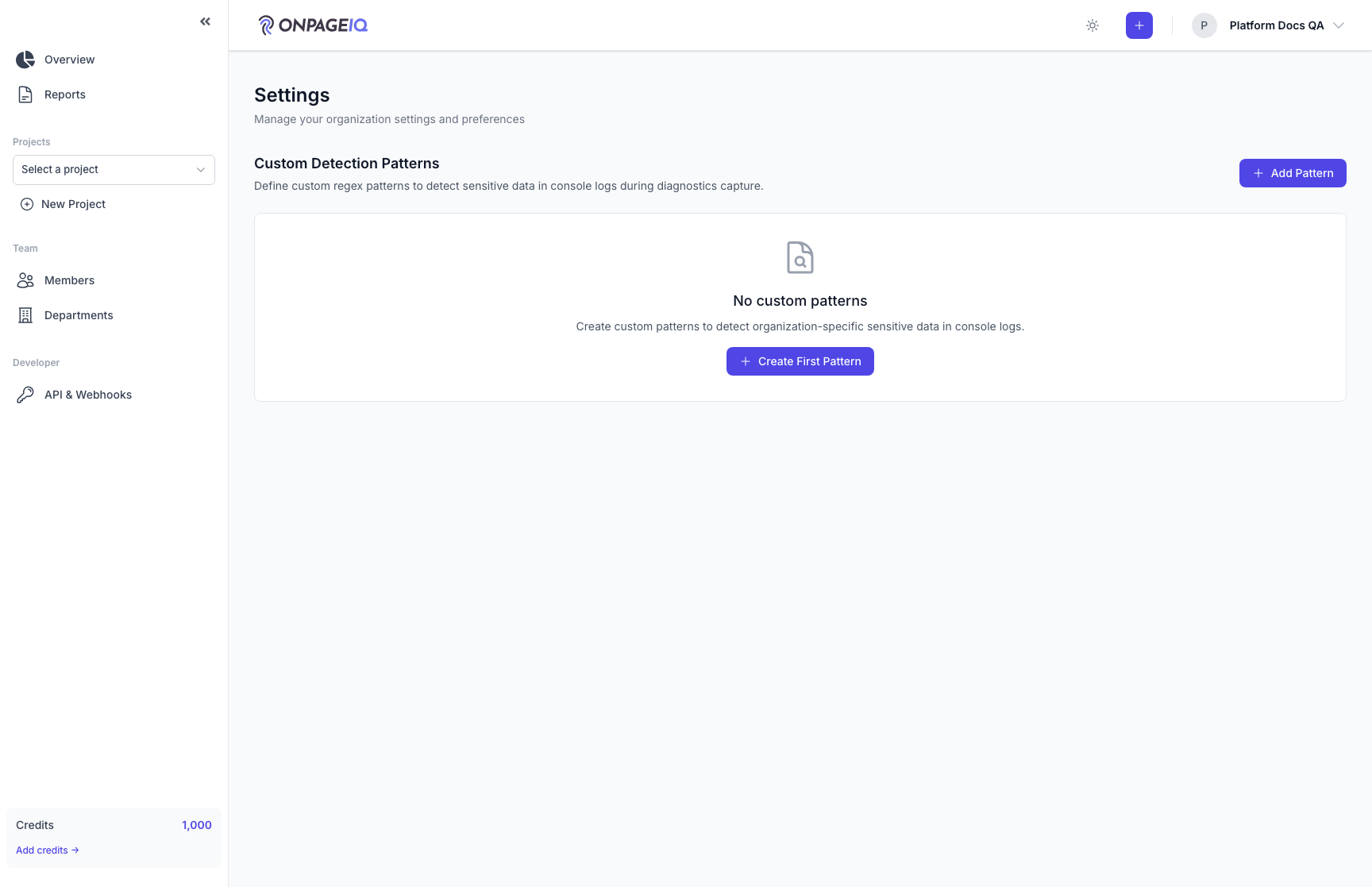
Step 3. Diagnostics custom patterns
Org-level regex patterns for runtime diagnostics (Pro+ with flag).
What to do: Open /settings/diagnostics-patterns → add pattern
Where: settings.diagnostics-patterns
Expected (pass)
- Route 403 without runtime-diagnostics flag
- Valid pattern saved and used on next audit
Negative cases (must fail safely)
- Invalid regex → validation error