URL Management (URLs, scanning & monitoring)
Manage project URLs; toggle redirect/uptime monitoring, status codes, and alert channels per URL.
User goal
Get alerted when production URLs change status or redirect target.
- Tier
- Team+
- Nav label
- URL Management
- Route
- /projects/{project}/urls
- Gates
- —
Prerequisites
- Team tier for full monitor features
- Monitors configured
QA focus
- Check history accurate
- Alert channels deliver
- Import paths work
Overview
Redirect Monitor watches URL redirect chains on a schedule or on demand so broken hops and unexpected destinations surface before users hit them.
What you get
- A project dashboard of monitors and recent checks with last-check timestamps
- Manual or imported URL lists per monitor
- Redirect chain verification with hops recorded per check
- Optional webhook notifications on failure (when configured)
How it works
- Open the redirects / URL monitor view for the project and create a monitor
- Add URLs by hand or import; run a manual check anytime
- Keep scheduled checks healthy by ensuring the app scheduler is running
Common issues & false alarms
- Scheduled checks need cron/scheduler
Interactive guide
Step of
What to do
Where to find it
Expected (pass)
Negative cases
Tips
Screenshot pending capture
All steps (reference)
-
Step 1. Open URL monitor dashboard
Project-level view of monitors and recent checks.
What to do: projects.redirects
Where: projects.redirects
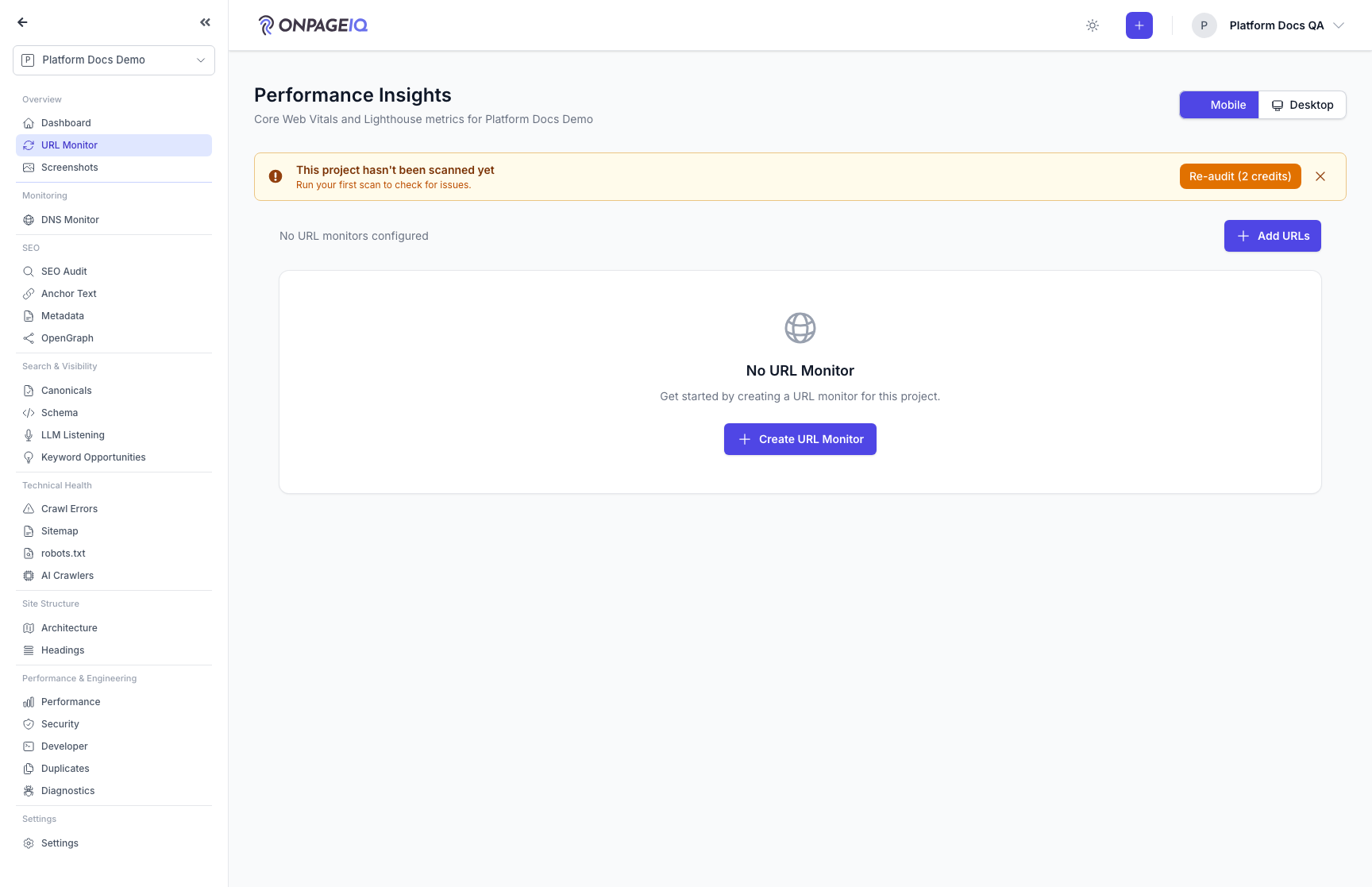
Expected (pass)
- Monitors listed
- Last check timestamp shown
-
Step 2. Create monitor and add URLs
CRUD monitors; add URLs manually or import.
What to do: redirect-monitors.store; import.text or import.csv
Where: redirect-monitors.index
Expected (pass)
- URLs saved under monitor
- Import validates format
Negative cases (must fail safely)
- CSV malformed row → partial import or error
-
Step 3. Run manual check
Trigger immediate redirect chain verification.
What to do: POST redirect-monitors.{monitor}.check or url check
Where: redirect-monitors.check
Expected (pass)
- RedirectCheck record created
- Chain hops recorded
-
Step 4. Configure alert channel
Email/webhook notification on status change.
What to do: alert-channels.store; test delivery
Where: redirect-monitors.alert-channels.index
Expected (pass)
- Test ping succeeds
- Failure logged on bad webhook