Notifications
In-app notification inbox for scans, assignments, billing, and monitor alerts.
User goal
See actionable alerts and mark them read without missing critical events.
- Tier
- All users
- Nav label
- Notifications
- Route
- /notifications
- Gates
- —
Prerequisites
- At least one notification-generating action (scan complete, etc.)
QA focus
- Notifications scoped to current user and org
- Mark read updates UI and database
- Unread count in header accurate
Overview
The notification inbox surfaces actionable alerts for scans, assignments, billing, and monitor events.
What you get
- In-app inbox at Notifications (bell icon in the header)
- Unread badge that tracks items you have not opened
- Links from each notification to the relevant resource
How it works
- Notifications are scoped to you within your org — you only see your own alerts
- Mark items read individually or in bulk; read state persists after reload
- New alerts appear after the related job finishes (queue must be running)
Common issues & false alarms
- No notifications until queue processes notification jobs
Interactive guide
Step of
What to do
Where to find it
Expected (pass)
Negative cases
Tips
Screenshot pending capture
All steps (reference)
-
Step 1. Open notification inbox
List of recent notifications with type, time, and read state.
What to do: Click bell icon → /notifications
Where: notifications.index
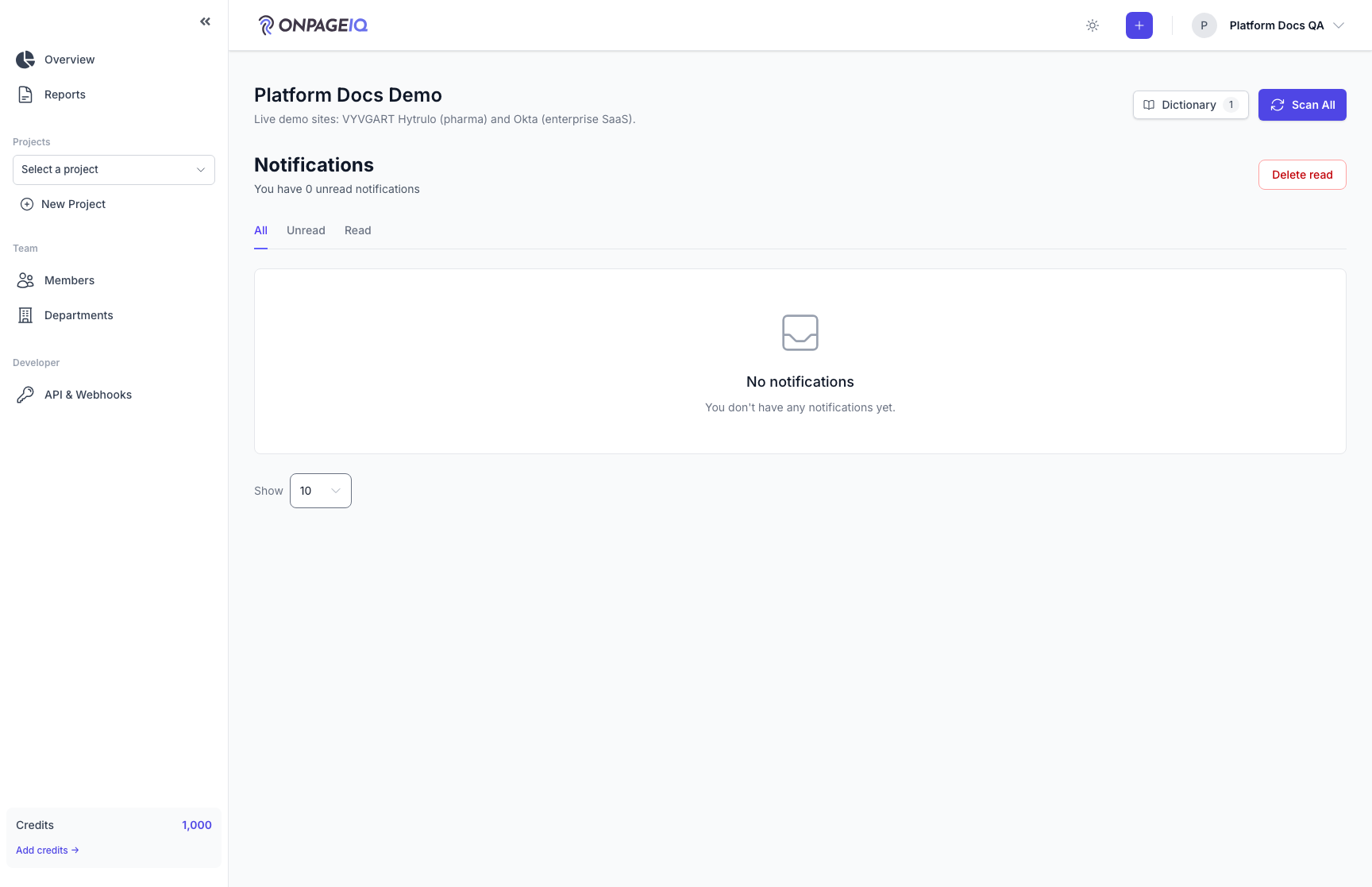
Expected (pass)
- Inbox loads 200
- Unread items visually distinct
Negative cases (must fail safely)
- Other user’s notification ID → 404
-
Step 2. Trigger a notification
Complete an action that emits a notification (e.g. scan finished).
What to do: Run a scan to completion; refresh notifications
Where: notifications.index
Expected (pass)
- New row appears for scan complete (or equivalent)
- Link navigates to relevant resource
Negative cases (must fail safely)
- Horizon down → delayed notification (not missing forever)
-
Step 3. Mark as read
Clear unread state individually or in bulk.
What to do: Mark one notification read; verify bell badge decrements
Where: notifications.index
Expected (pass)
- Unread count updates
- Read state persists on reload
Related guides
Content Scans
Run spelling, grammar, SEO, and readability checks against project URLs.
URL Management (URLs, scanning & monitoring)
Manage project URLs; toggle redirect/uptime monitoring, status codes, and alert channels per URL.
Team & Departments
Invite members, assign roles, and organize departments on Team tier and above.