SEO Audit
Updated · Aug 16, 2026Site-wide SEO audit dashboard with crawl status, scores, and deep-dive sub-routes.
What changed
The SSL/HTTPS portion of the audit now actually runs. It had been resolving the site's address from a column that does not exist, so it silently found nothing on every audit and the absence of certificate findings read as a clean result. Audits run from now on report certificate, HTTP→HTTPS redirect, and mixed-content findings; a site that has been audited before may show SSL issues for the first time without anything having changed on it.
User goal
Run and monitor SEO audits; review H1 fold evidence; navigate to errors, duplicates, and technical sub-pages.
- Tier
- Pro+
- Nav label
- SEO Audit
- Route
- /projects/{project}/seo
- Gates
- seo-audit
Prerequisites
- seo-audit tier/flag
- URLs in project
- Queue for audit jobs
QA focus
- Audit jobs complete
- Sub-routes middleware seo-audit
- Scores consistent with issue counts
- H1 Fold tab empty states match org flags
Overview
SEO Audit is the project hub for search health: run or re-run an audit, see a health score, and work Issues, H1 Fold, and Duplicates from one place — with deeper surfaces for errors, anchor text, canonicals, robots.txt, llm.txt, and Keyword Opportunities when that add-on is active.
What you get
- An overview of the latest audit run, health score, and start/re-run controls
- H1 Fold Analysis chips that deep-link into the annotated screenshot gallery
- Tabs and sub-pages for issues, fold evidence, duplicates, and technical SEO files
- SSL/HTTPS findings on the site's certificate and how it serves HTTPS
- The H1 Fold gallery when Rendered Performance and Rendered Fold Measurement are on for the org (see the H1 Fold guide)
SSL and HTTPS
The audit checks the certificate on your homepage's domain and how the site handles HTTPS, and files what it finds alongside the other issues:
- The certificate itself — expired, expiring within 30 days (7 days raises the severity), invalid, an incomplete chain, or issued for a different hostname than the one you serve
- HTTP → HTTPS — whether plain HTTP redirects to HTTPS at all, whether it does so permanently (a temporary redirect is flagged), and whether it takes more than one hop
- Mixed content — HTTPS pages that pull scripts, styles, or images over plain HTTP, which browsers block or downgrade
These checks need a crawled homepage to work from — if the crawl produced no homepage node, the audit has no address to test and reports nothing rather than guessing.
How it works
- Open SEO on the project and start or re-run an audit (jobs run in the background)
- Triage findings from the dashboard tabs; open Canonicals or other guides for specialized workflows
- Re-run after fixes to refresh scores and evidence
Common issues & false alarms
- Audit stuck if crawl job fails
- Sub-route 403 when flag off
- Empty H1 Fold gallery when rendered-performance / rendered-fold-measurement are off
- SSL findings appearing on a site that has been audited before is expected — those checks were not running until 2026-08-16, so their first real run looks like a regression and is not one
- No SSL findings at all usually means the crawl never recorded a homepage, not that the certificate is healthy
Interactive guide
Step of
What to do
Where to find it
Expected (pass)
Negative cases
Tips
Screenshot pending capture
All steps (reference)
-
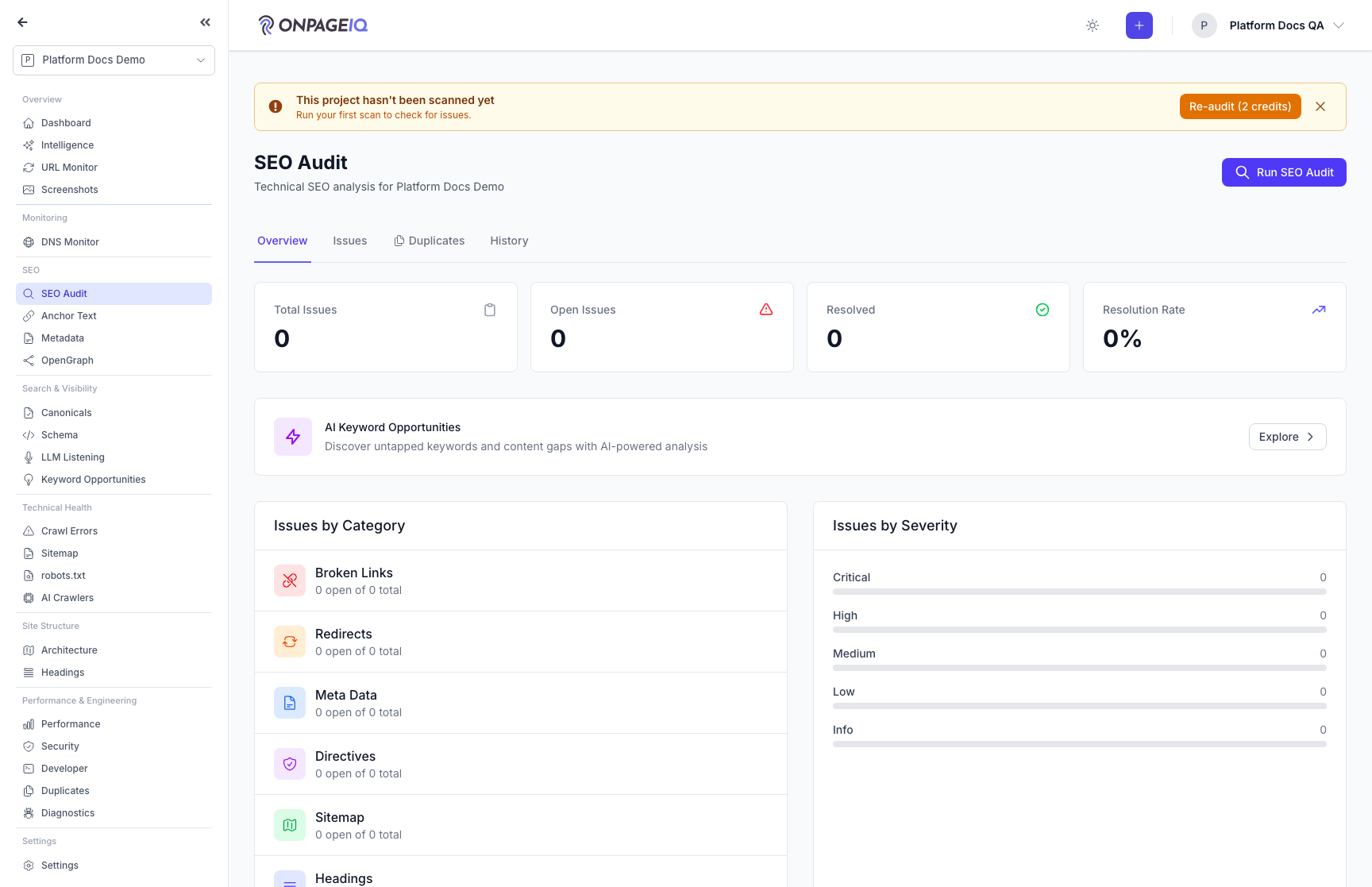
Step 1. SEO audit dashboard
Overview of latest audit run, health score, H1 Fold Analysis chips, and start/re-run controls.
What to do: Open projects.seo
Where: projects.seo
Expected (pass)
- Dashboard 200 on Pro+
- Run audit dispatches jobs
- H1 Fold Analysis chips deep-link to the gallery
Negative cases (must fail safely)
- Free tier → upgrade or limited checks
-
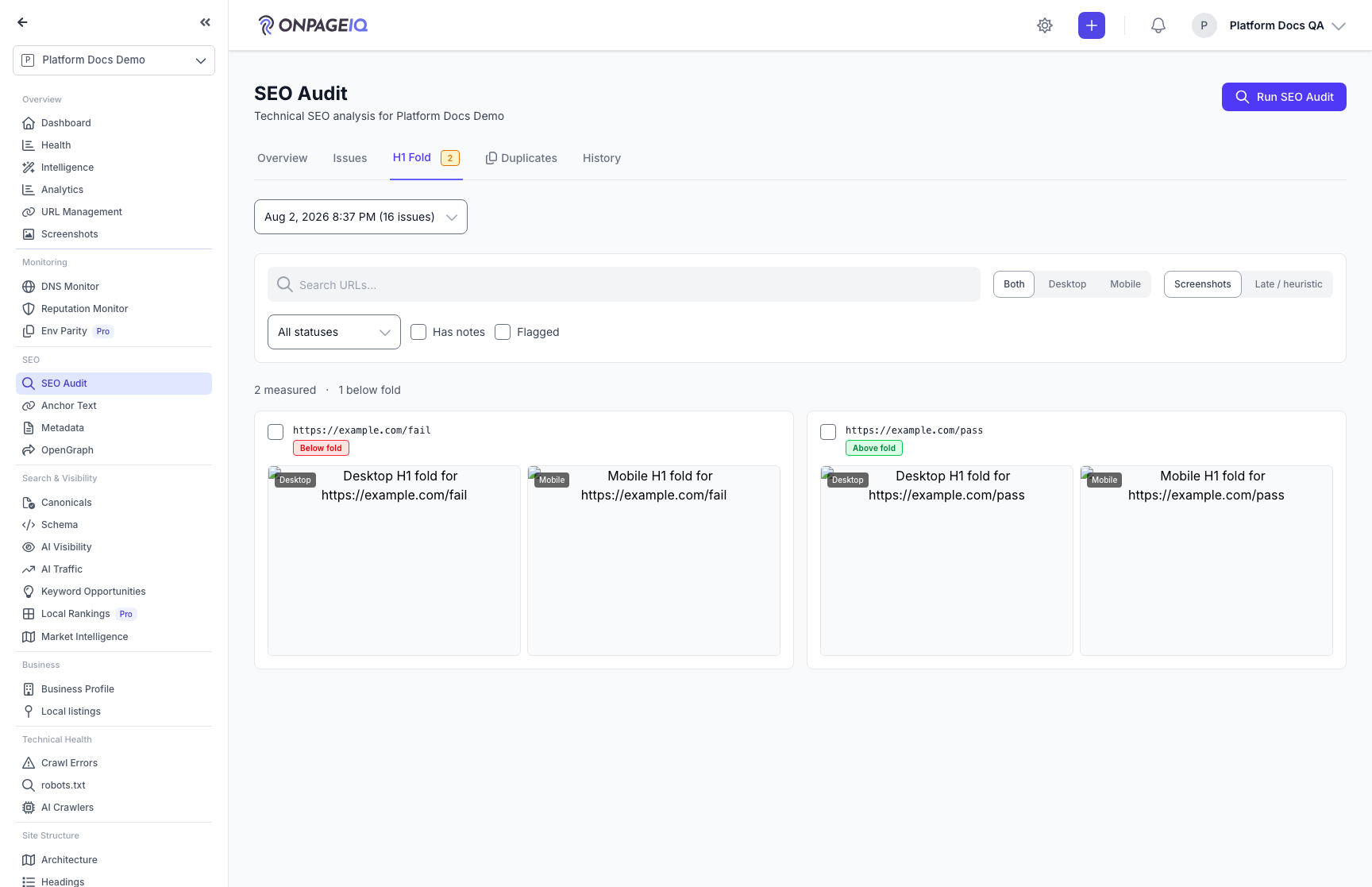
Step 2. Review H1 Fold evidence
Open the H1 Fold tab to browse paired desktop/mobile annotated screenshots, inspect in lightbox, and triage with notes. Requires rendered measurement flags — details in the H1 Fold guide.
What to do: Open projects.seo → H1 Fold tab (?tab=fold)
Where: projects.seo
Expected (pass)
- Gallery shows measured pages when flags on and audit ran
- Honest empty state when flags off or captures failed
Negative cases (must fail safely)
- Flags off → empty state explains how to enable
-
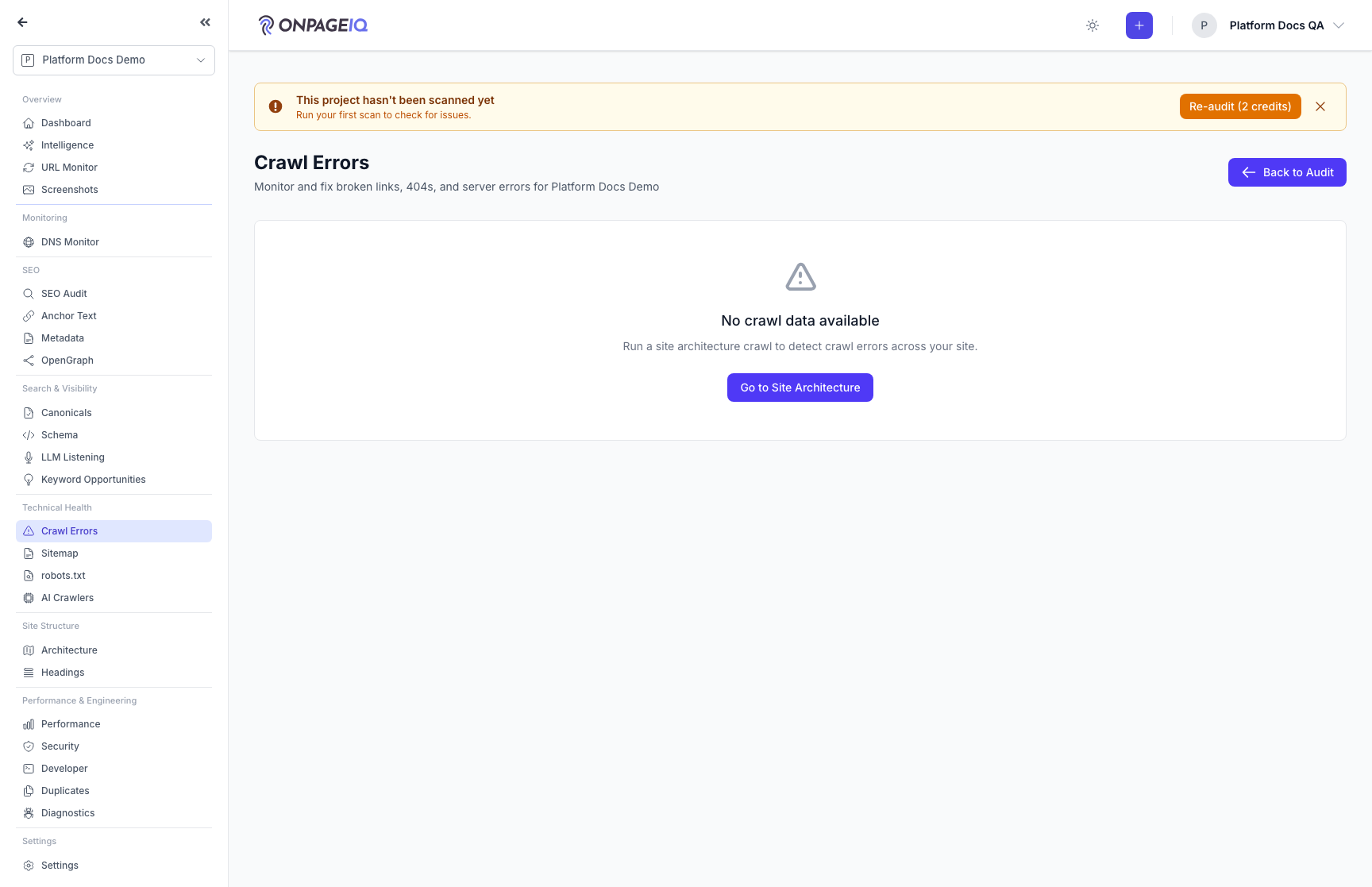
Step 3. Crawl errors sub-route
HTTP errors, redirect chains, and broken links from audit crawl.
What to do: Navigate to projects.seo-audit.errors
Where: projects.seo-audit.errors
Expected (pass)
- EnsureFeaturesAreActive seo-audit
- Error table populated after crawl
Negative cases (must fail safely)
- Direct URL without flag → 403
-
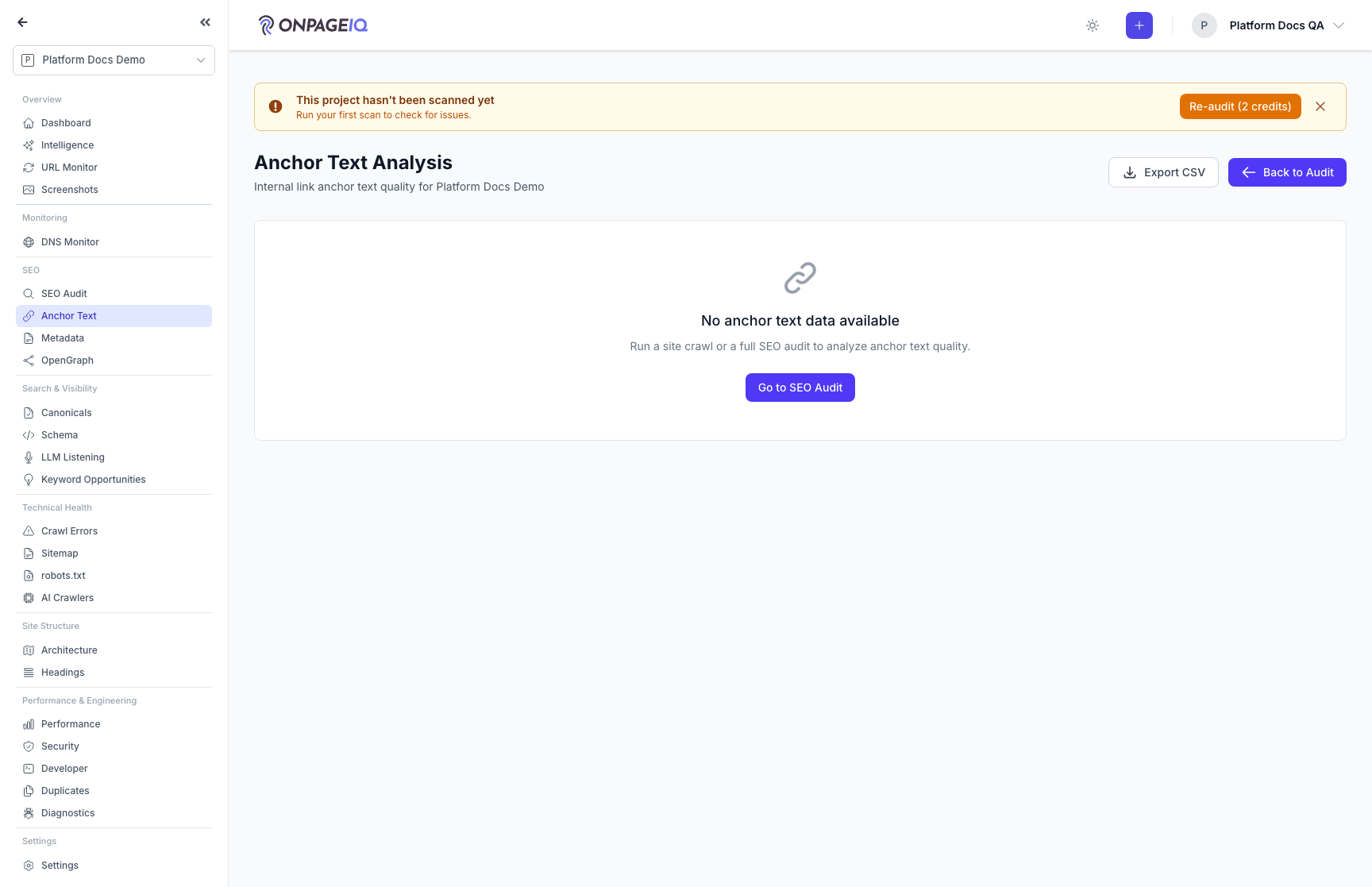
Step 4. Anchor text analysis
Internal/external anchor distribution and over-optimization flags.
What to do: projects.seo-audit.anchor-text
Where: projects.seo-audit.anchor-text
Expected (pass)
- Charts/tables load
- Links scoped to project crawl
-
Step 5. Canonicals review
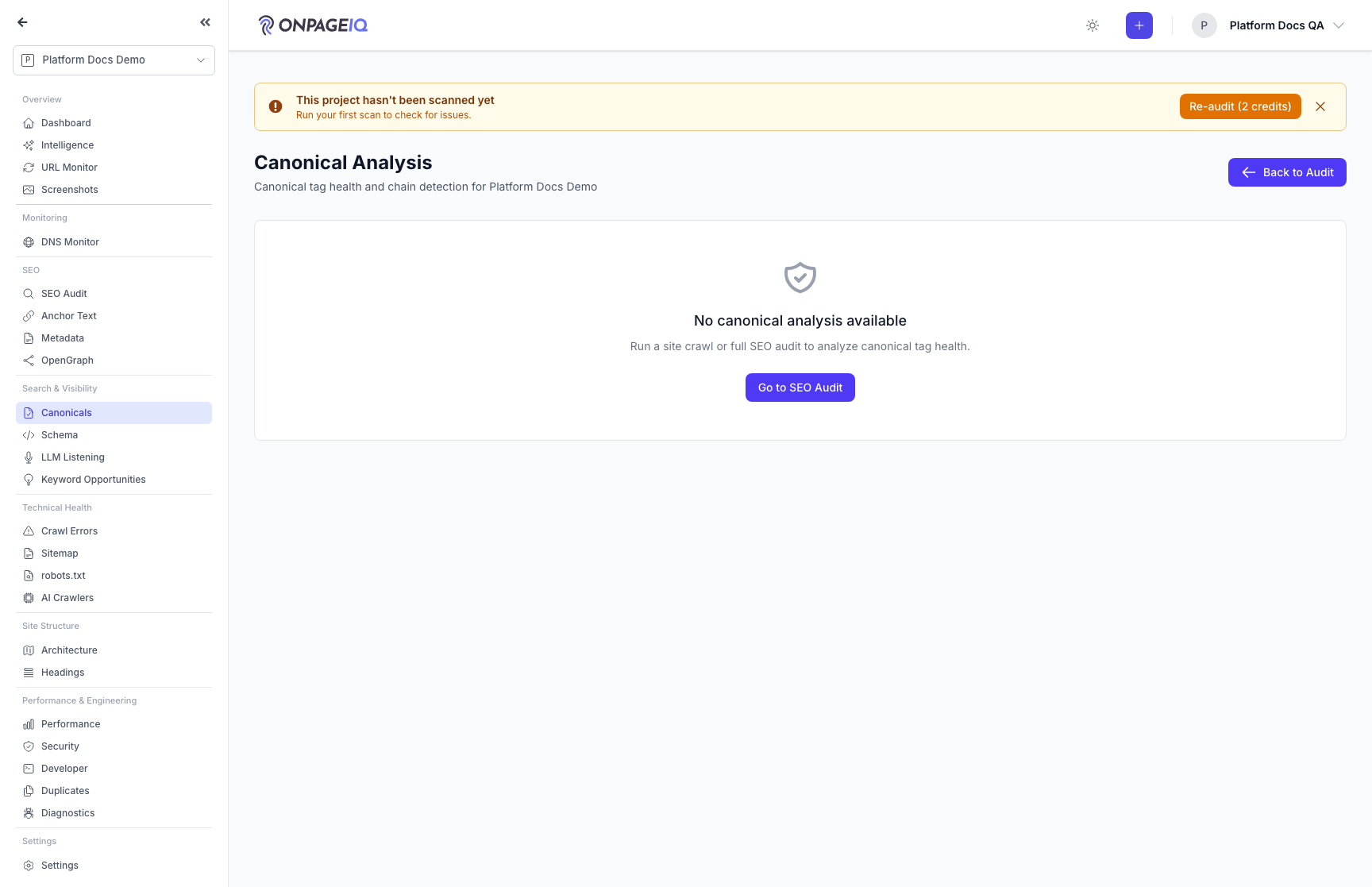
Open Search & Visibility → Canonicals (or the SEO/Metadata deep-links). Review dual-source health, open issue details in the slide-over, and optionally connect GSC. Full walkthrough: the Canonicals guide.
What to do: projects.seo-audit.canonical (also linked from SEO overview + Metadata)
Where: projects.seo-audit.canonical
Expected (pass)
- Overview/issues/chains/map/rules tabs load
- Details opens a slide-over (not a modal)
- GSC banner shows inspection coverage when connected
Negative cases (must fail safely)
- seo-audit flag off → 403
- Map tab hidden when canonical-map is deactivated for the org
-
Step 6. Review SSL/HTTPS findings
Certificate expiry and validity, HTTP→HTTPS redirect behaviour, and mixed content, filed with the rest of the audit issues.
What to do: Filter the issue list by the SSL/HTTPS category after an audit completes
Where: projects.seo
Expected (pass)
- Certificate findings reference the homepage domain
- A site with no crawled homepage produces no SSL findings rather than a false all-clear
Negative cases (must fail safely)
- Crawl produced no homepage node → no SSL issues recorded
-
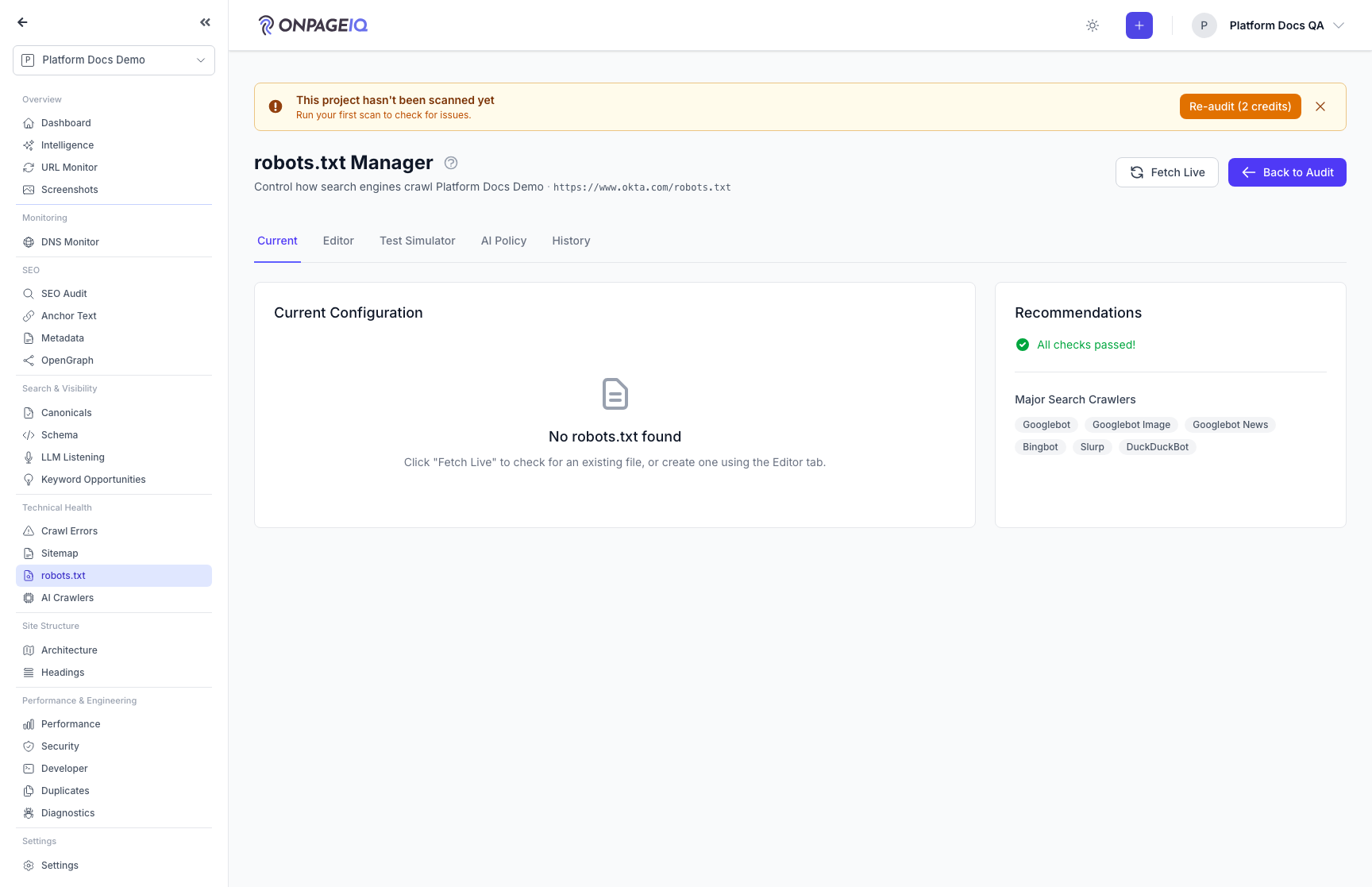
Step 7. Technical files (robots & AI crawlers)
Manage robots.txt and llm.txt recommendations.
What to do: Visit robots-txt and llm-txt managers
Where: projects.seo-audit.robots-txt
Expected (pass)
- Both routes 200 with seo-audit
- Save persists project-scoped config
Negative cases (must fail safely)
- Invalid robots syntax → validation warning
Related guides
Canonicals
Audit dual-source canonical tags, triage issues in a slide-over, validate against GSC URL Inspection, map relationships, and export CSV — nested under Search & Visibility.
H1 Above the Fold
Check whether each page’s primary H1 is visible without scrolling — with annotated desktop/mobile screenshots you can trust-but-verify in SEO Audit.
SEO Page Surfaces
Metadata, OpenGraph, Schema, Sitemap, Canonicals, Anchor text, robots.txt, and AI crawlers (llm.txt).
Duplicate Content
Find pages that say the same thing, see exactly what overlaps, and record how you fixed it.
Site Architecture
Visual crawl tree, click-depth analysis, orphan detection, and architecture export — plus the definitions behind every number on the Statistics panel.
Performance Insights
Core Web Vitals and performance metrics from crawled pages.